Every strategic engagement,
in one place.

Briefings, advisory boards and summits. Agenda, people, content and CRM, run together with Murble.

“This is my toolbox. Shall I show you around?”

Murble, Murmurly's AI companion
01

Plan it

Agenda builder · The day

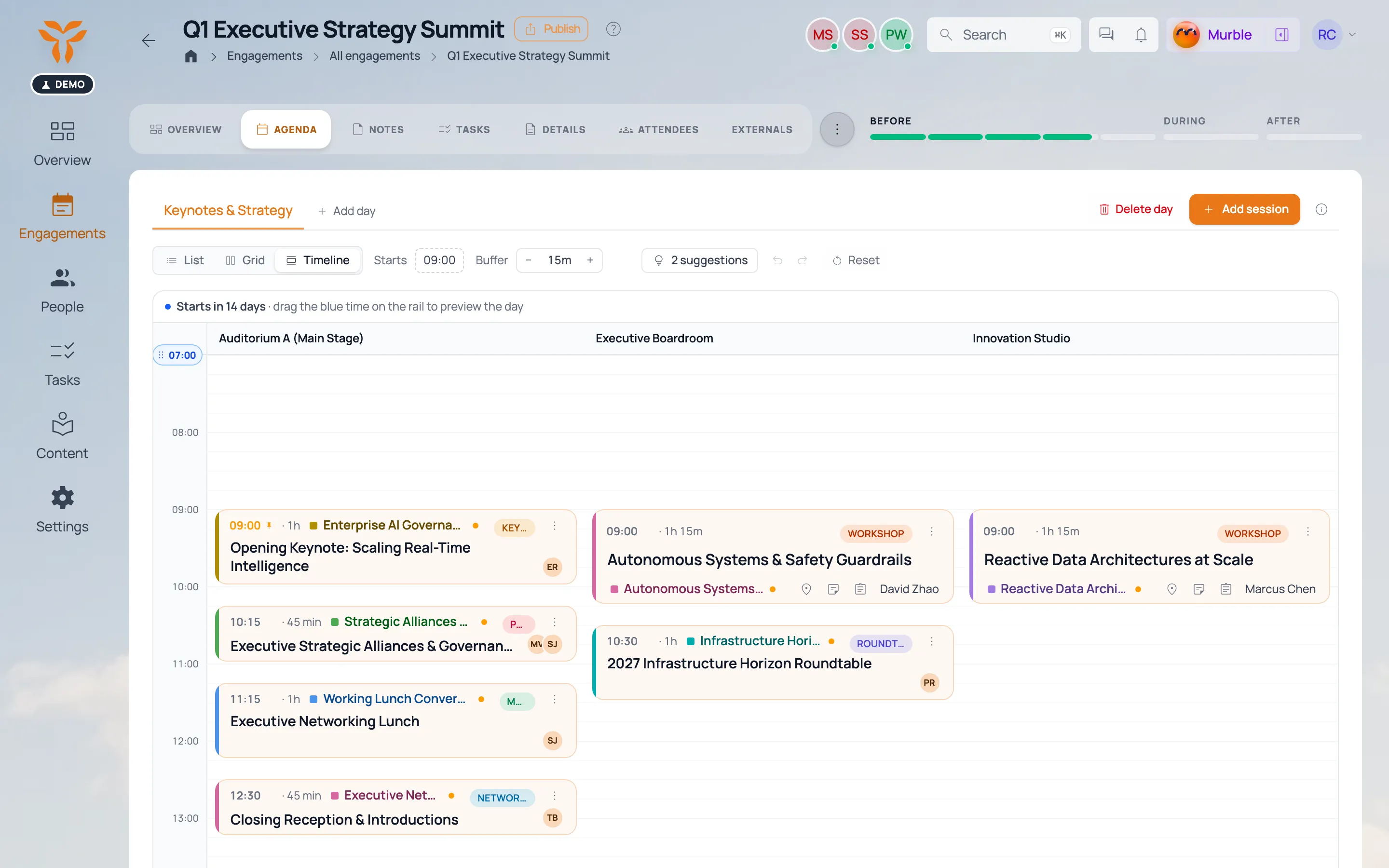
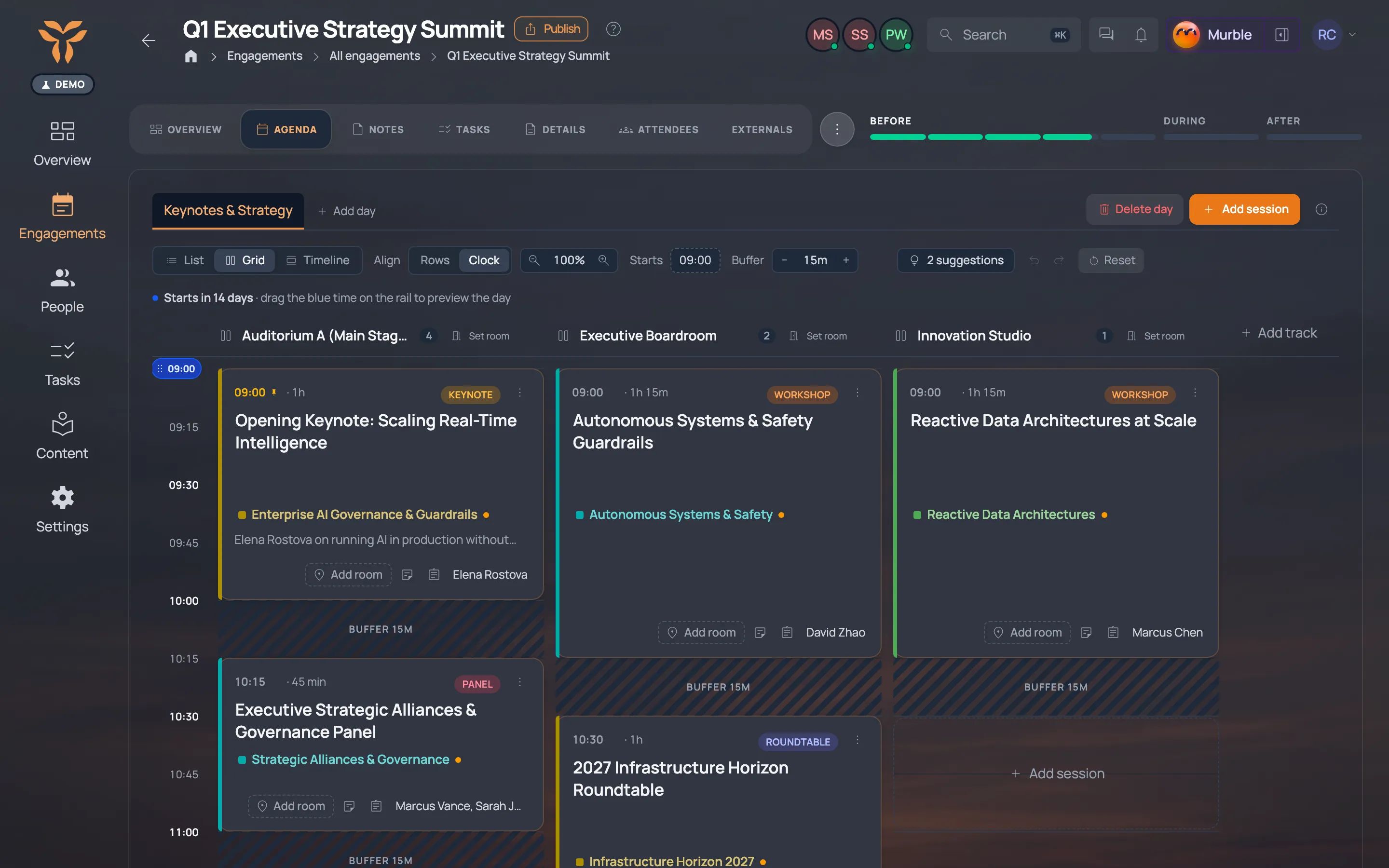
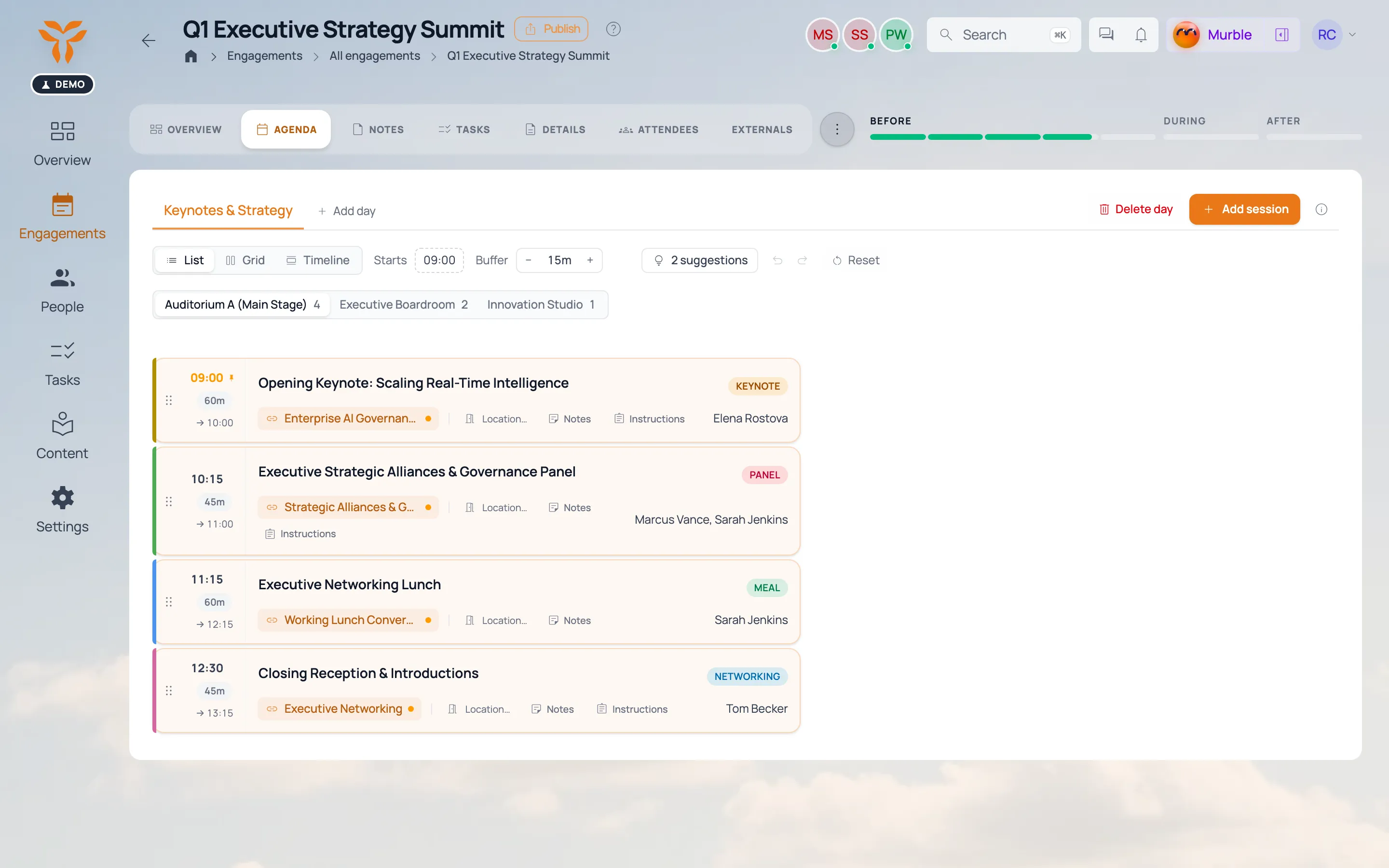
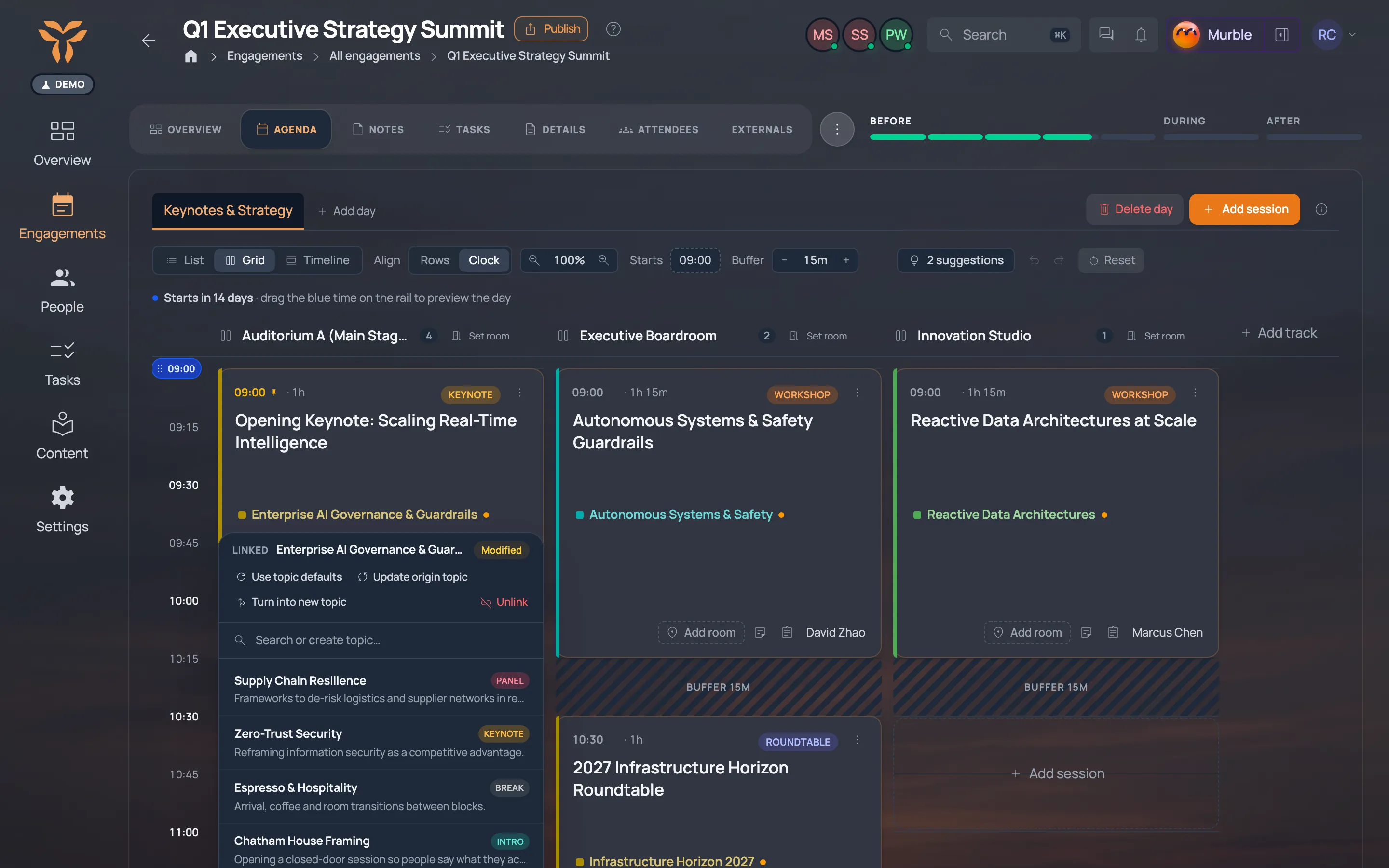
Drag a session and the whole day re-flows: breaks, buffers, speakers.

Agenda builder
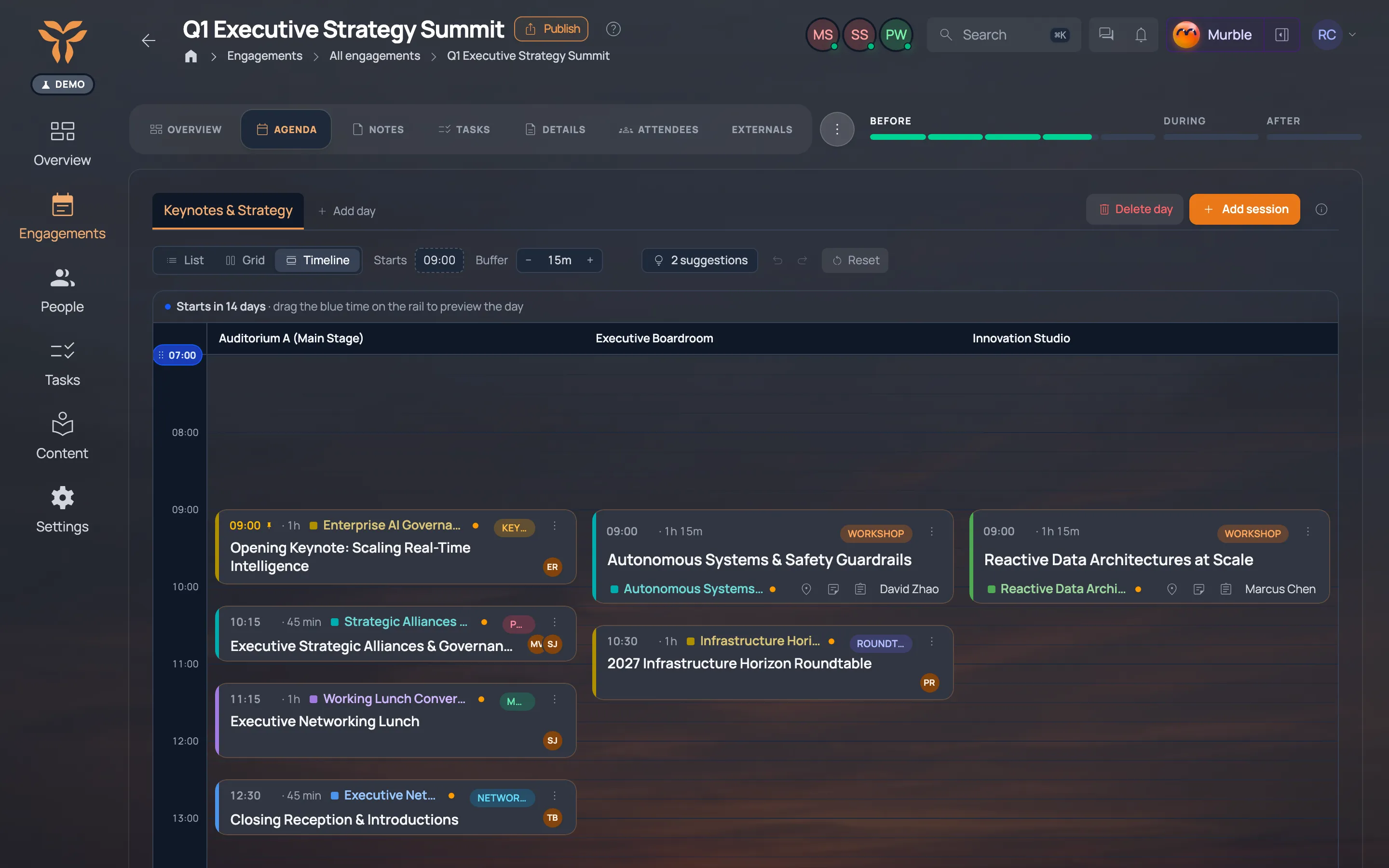
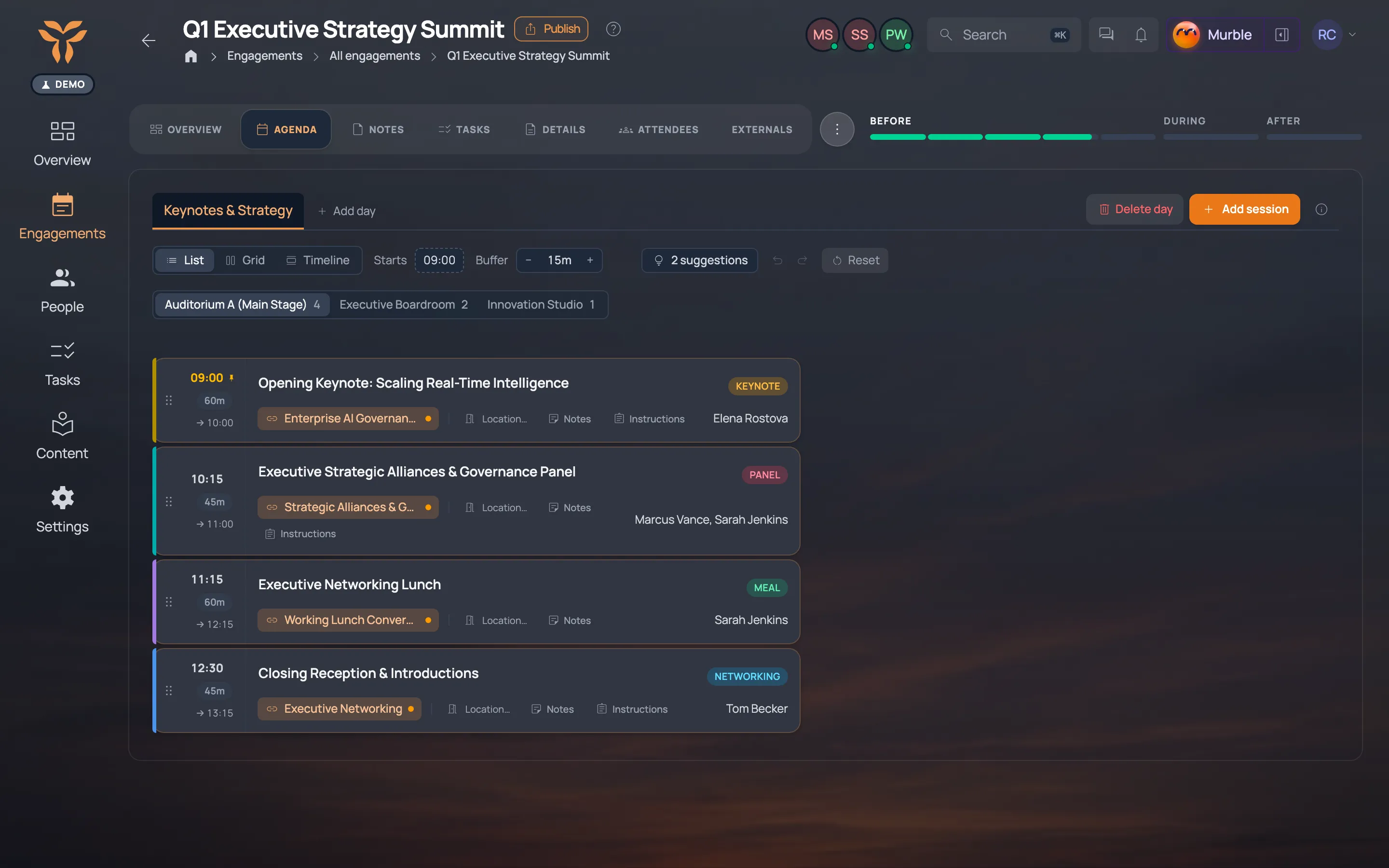
The agenda of an executive briefing: sessions with times, speakers and topics. The agenda of an executive briefing: sessions with times, speakers and topics.
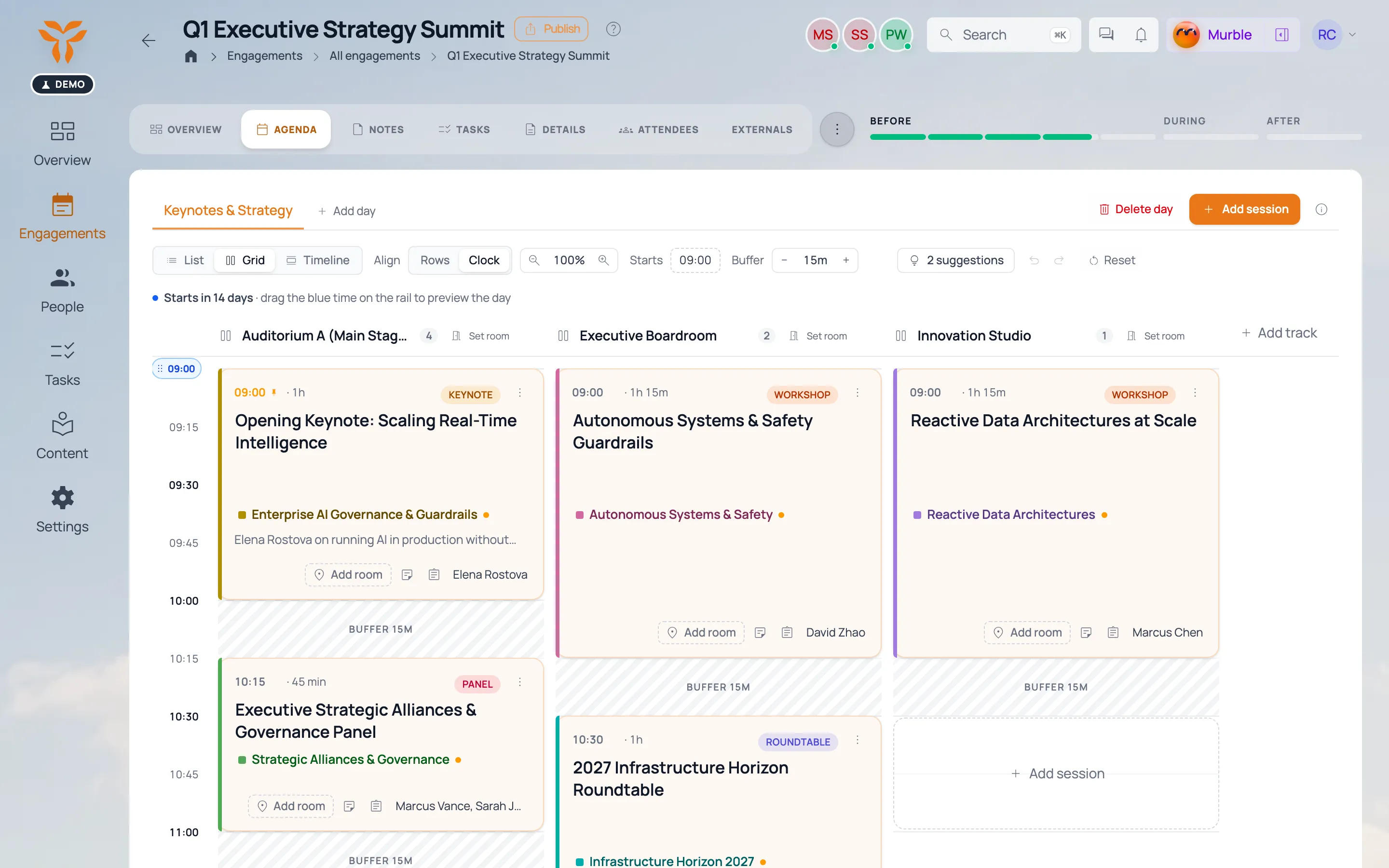
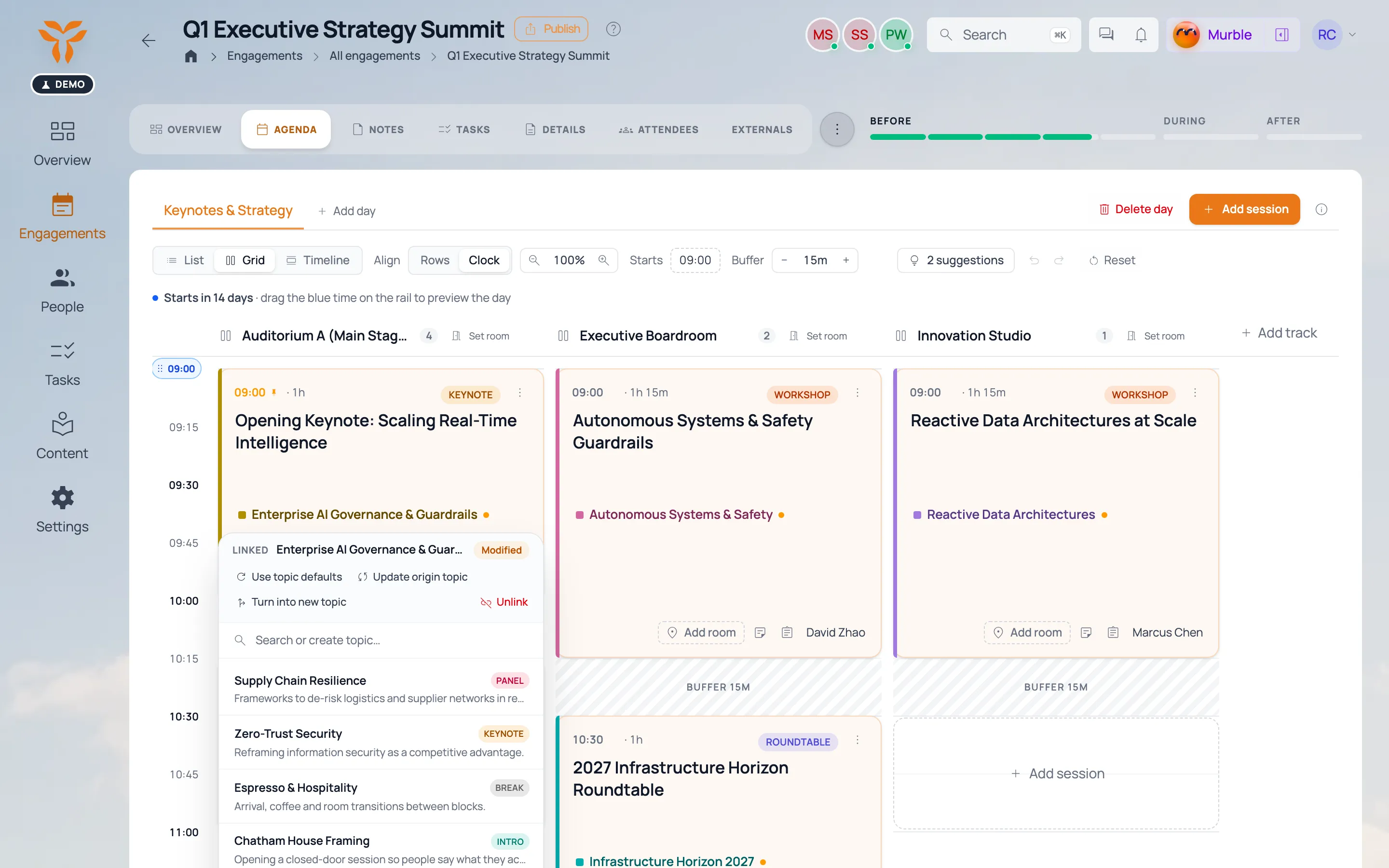
Agenda day view: sessions per room, speakers on each card. Agenda day view: sessions per room, speakers on each card.
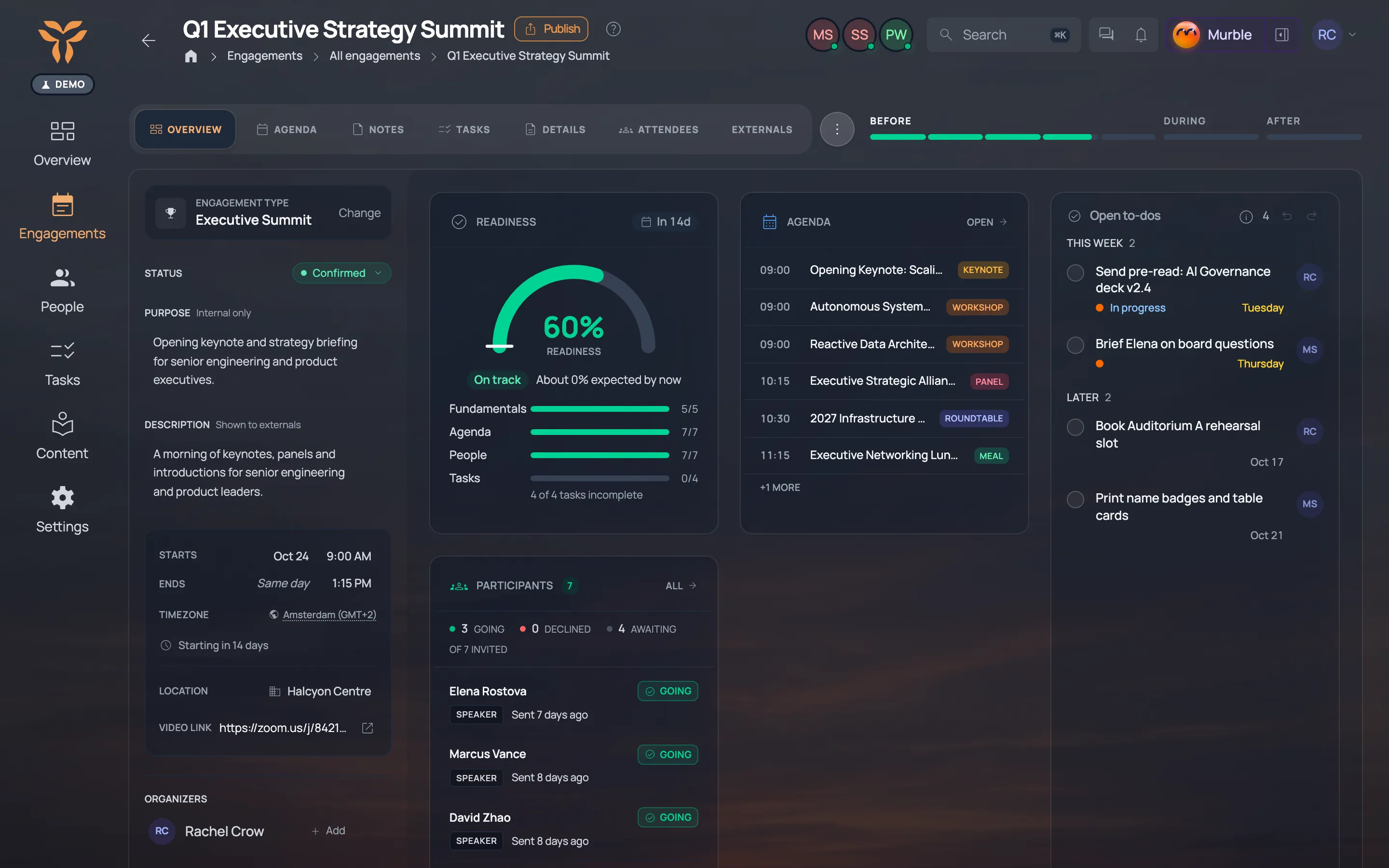
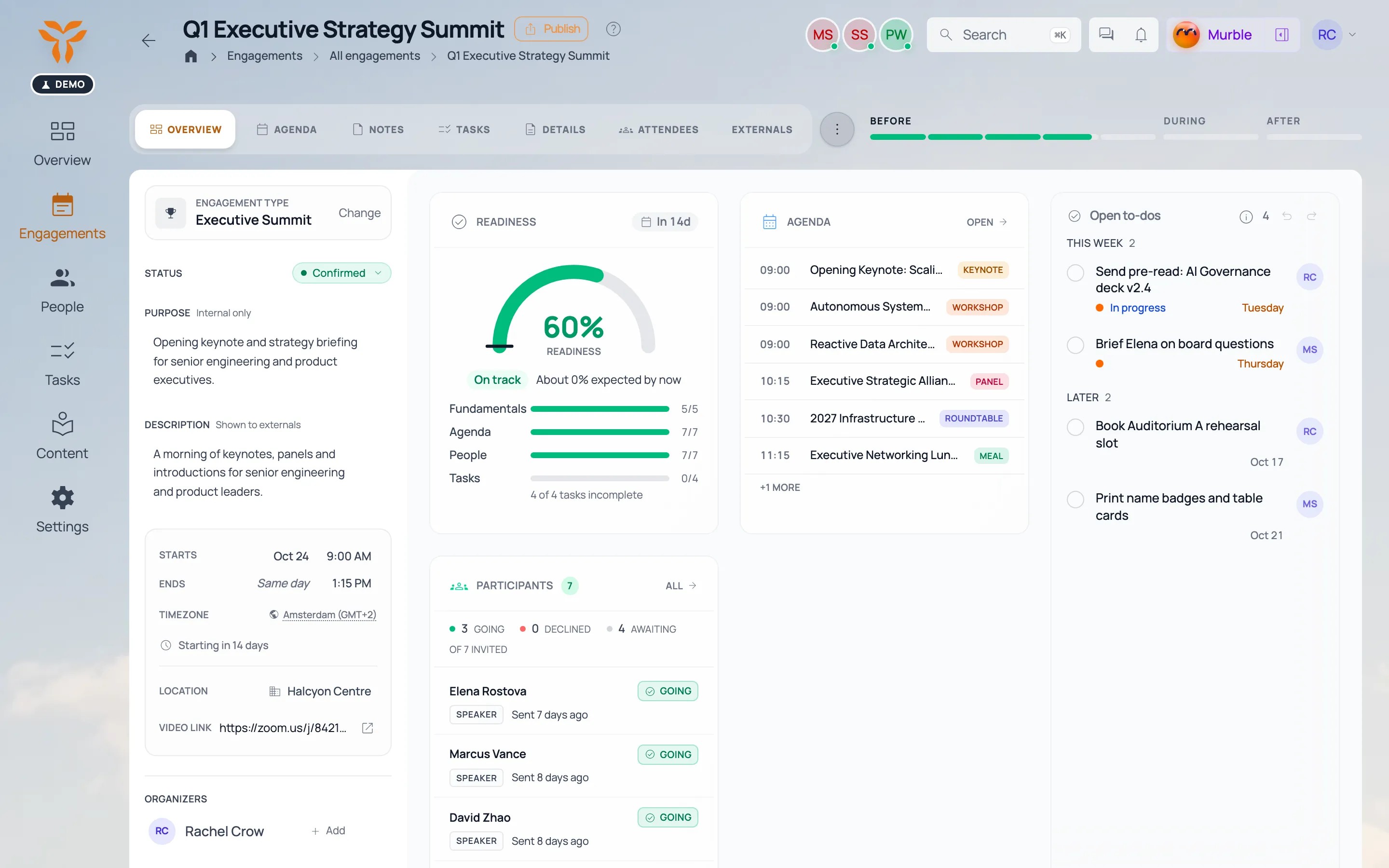
A keynote session with its speaker and the topics linked to it. A keynote session with its speaker and the topics linked to it.
The session’s attached deck, opened from the content library. The session’s attached deck, opened from the content library.
Click for more

Content manager · Library

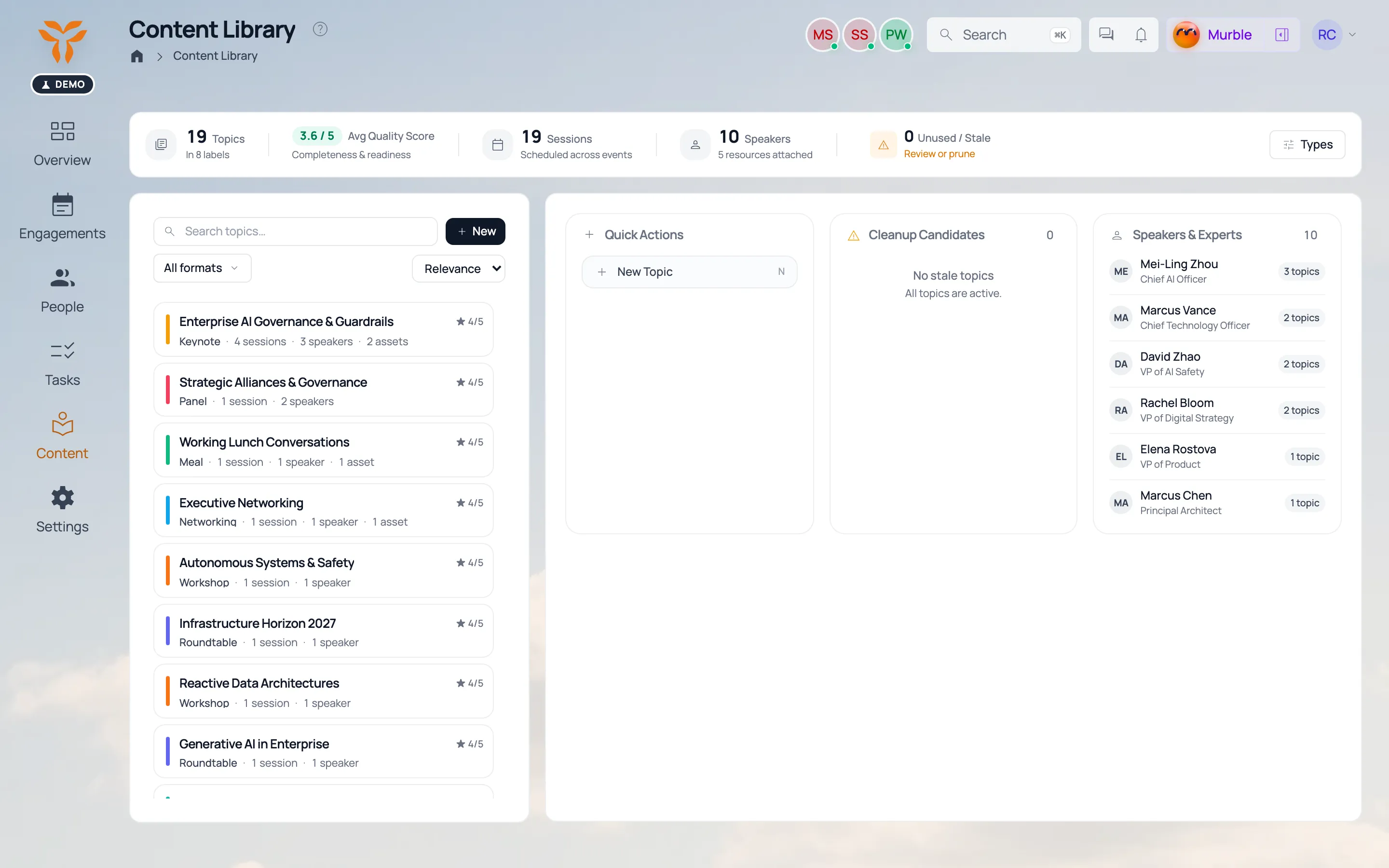
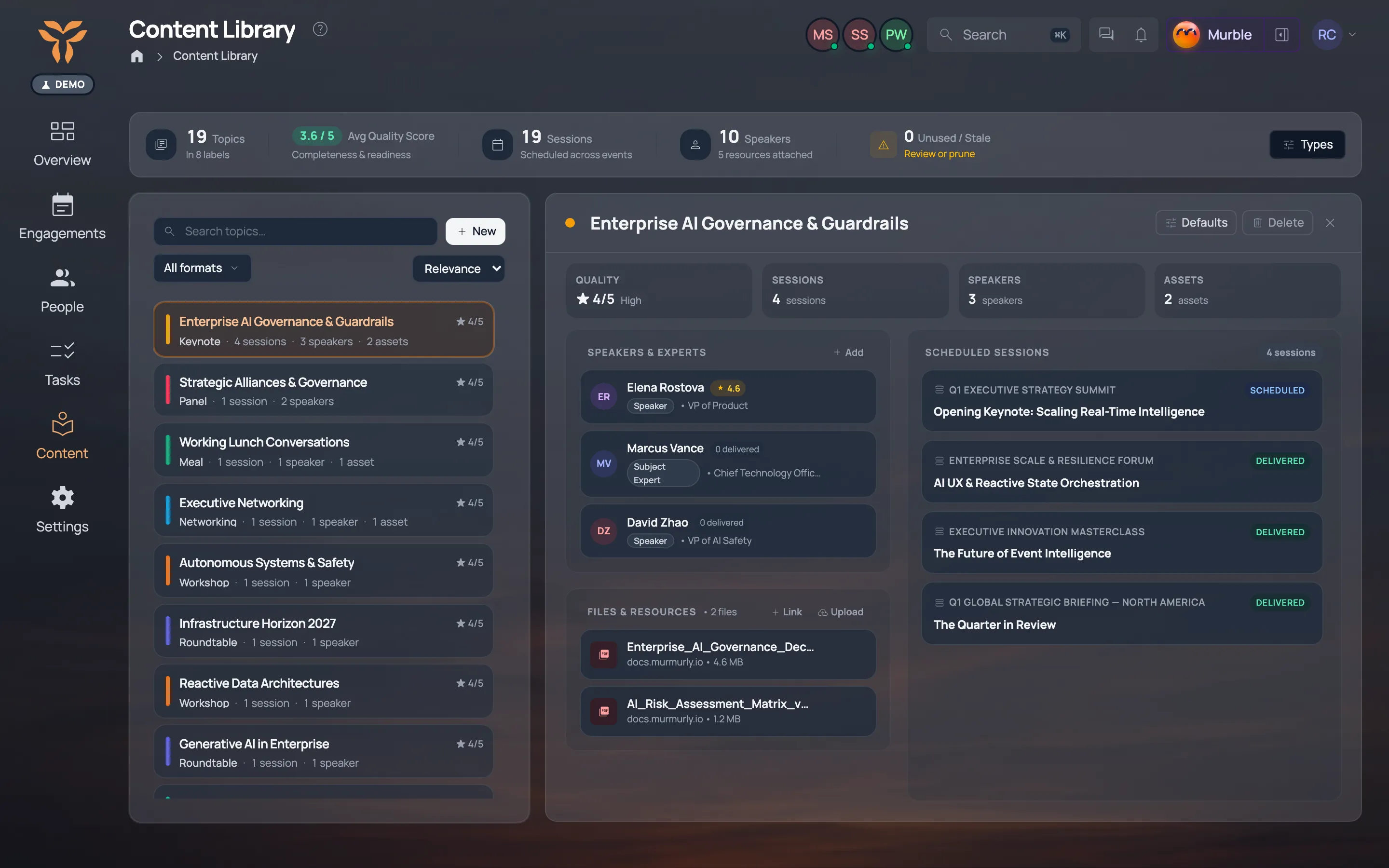
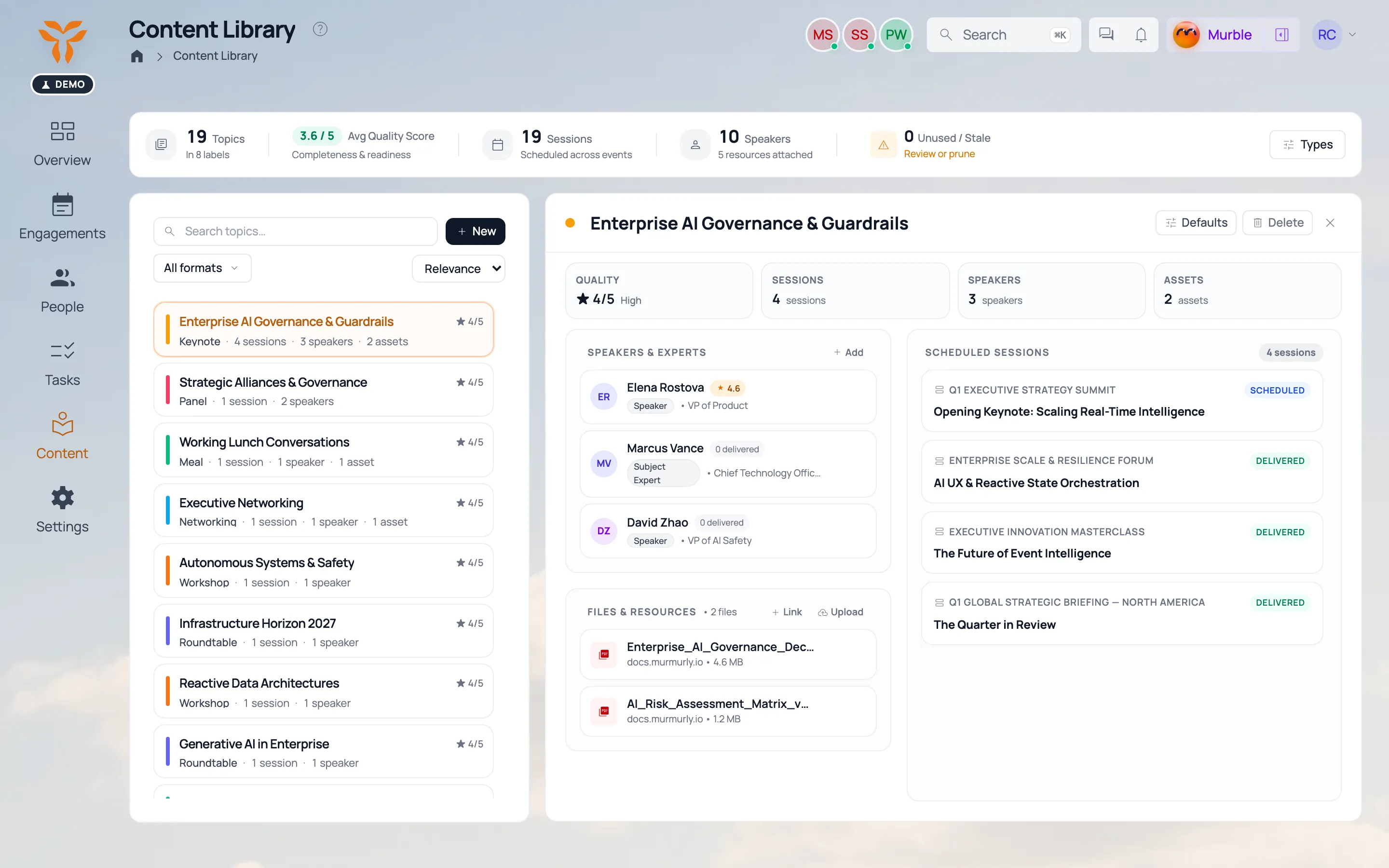
Briefing decks, bios, menus, venue guides. One library for every engagement.

Content manager
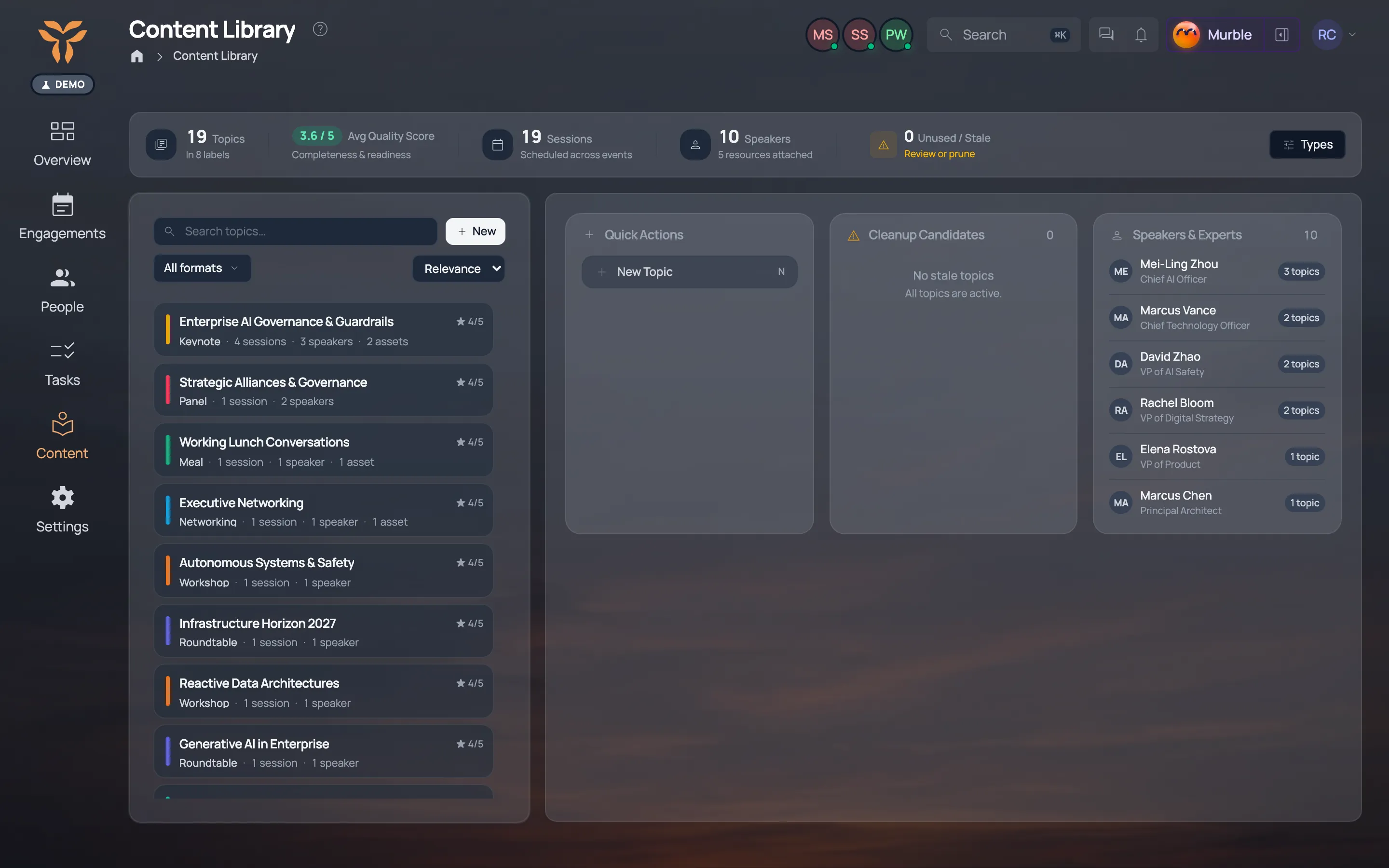
The content library: decks, bios and guides used across engagements. The content library: decks, bios and guides used across engagements.
A deck with its version history and the three engagements that use it. A deck with its version history and the three engagements that use it.
Click for more

People & speakers · Directory

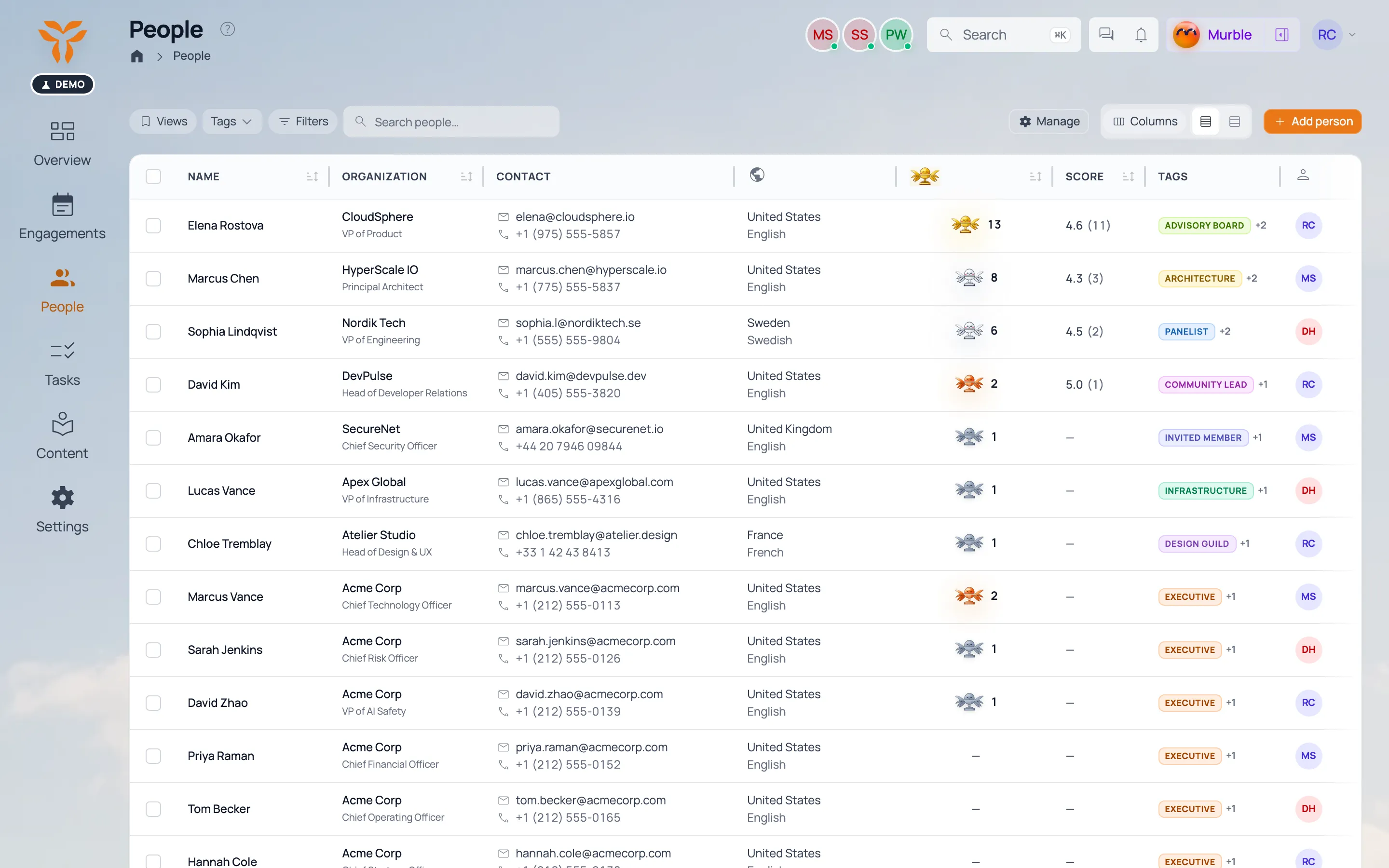
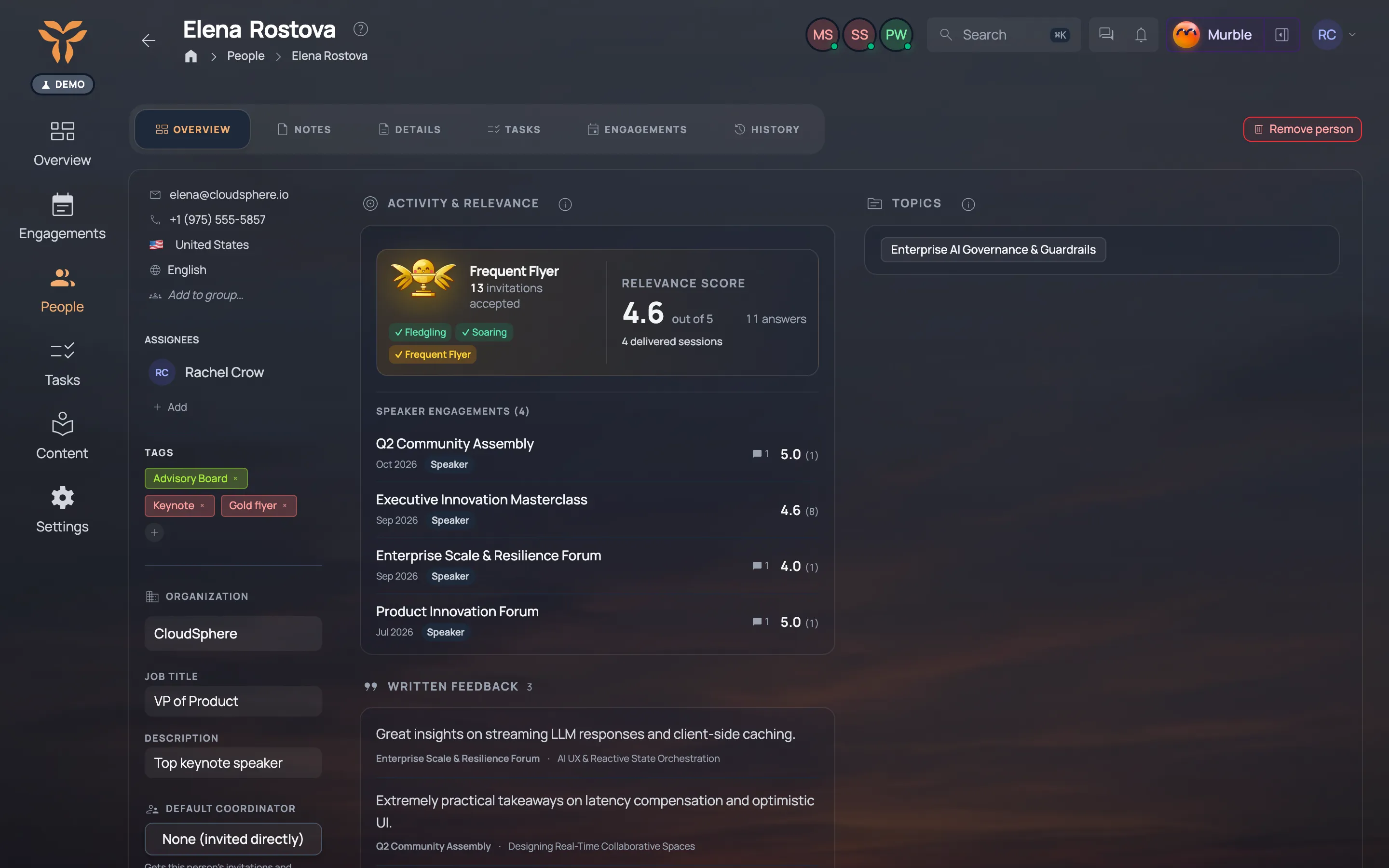
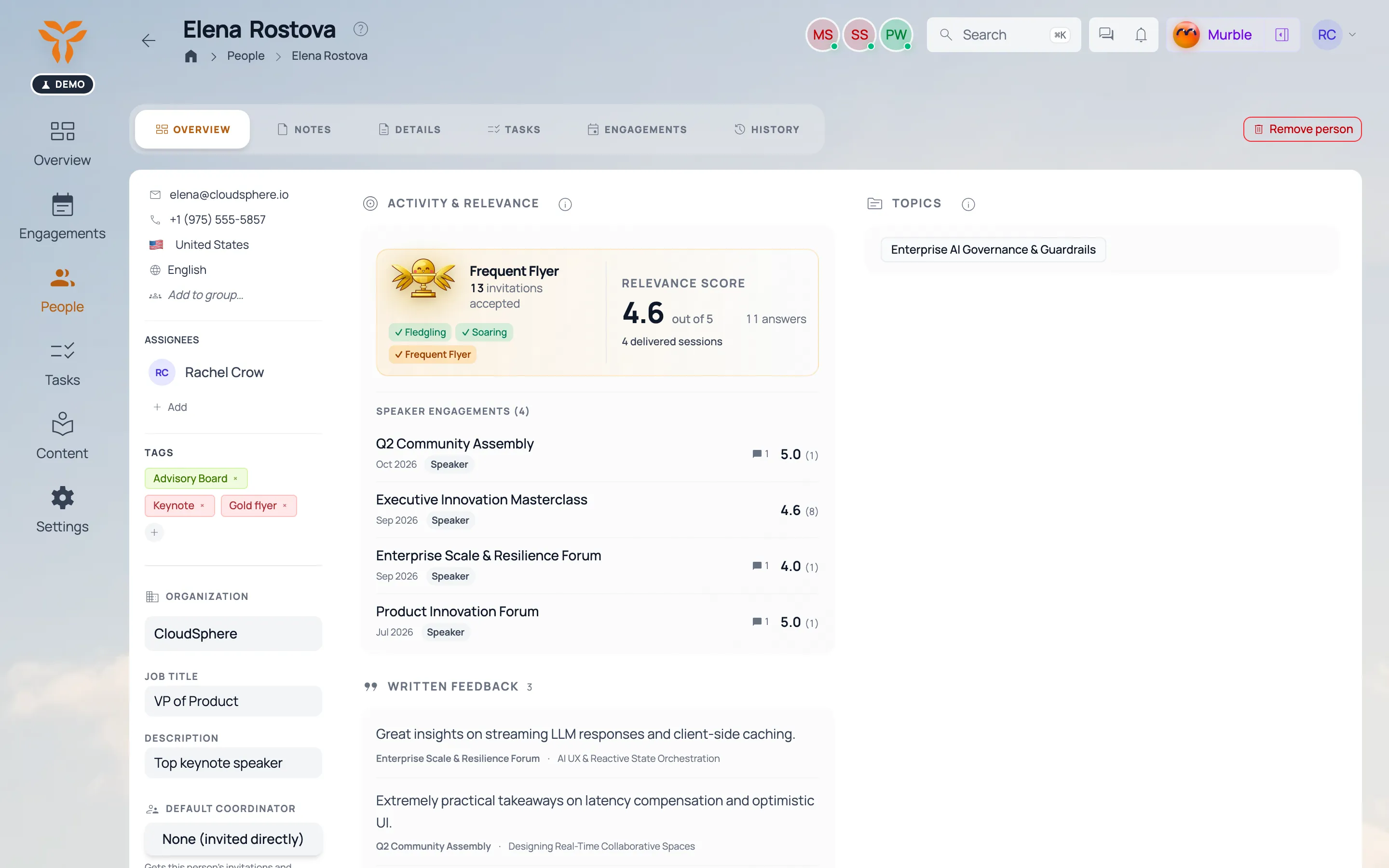
Every executive, speaker and host, with their history and who they know.

People
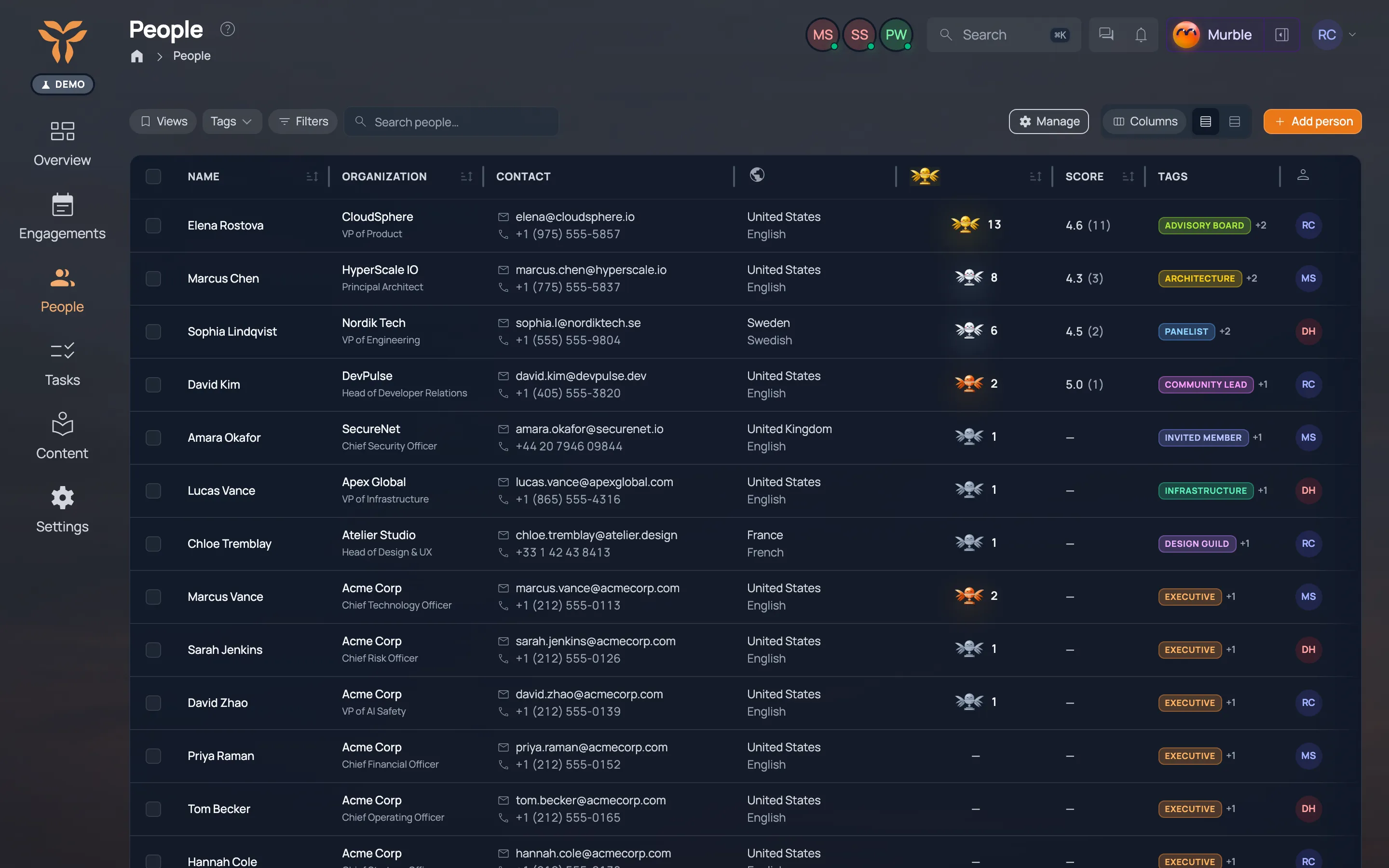
The people directory: role, organization and contact details. The people directory: role, organization and contact details.
A speaker’s profile page with their engagements and details. A speaker’s profile page with their engagements and details.
Participants of an engagement with their RSVP status. Participants of an engagement with their RSVP status.
Click for more

Field manager · Your words

Your data, your words. Add the fields your team actually tracks.

Field manager
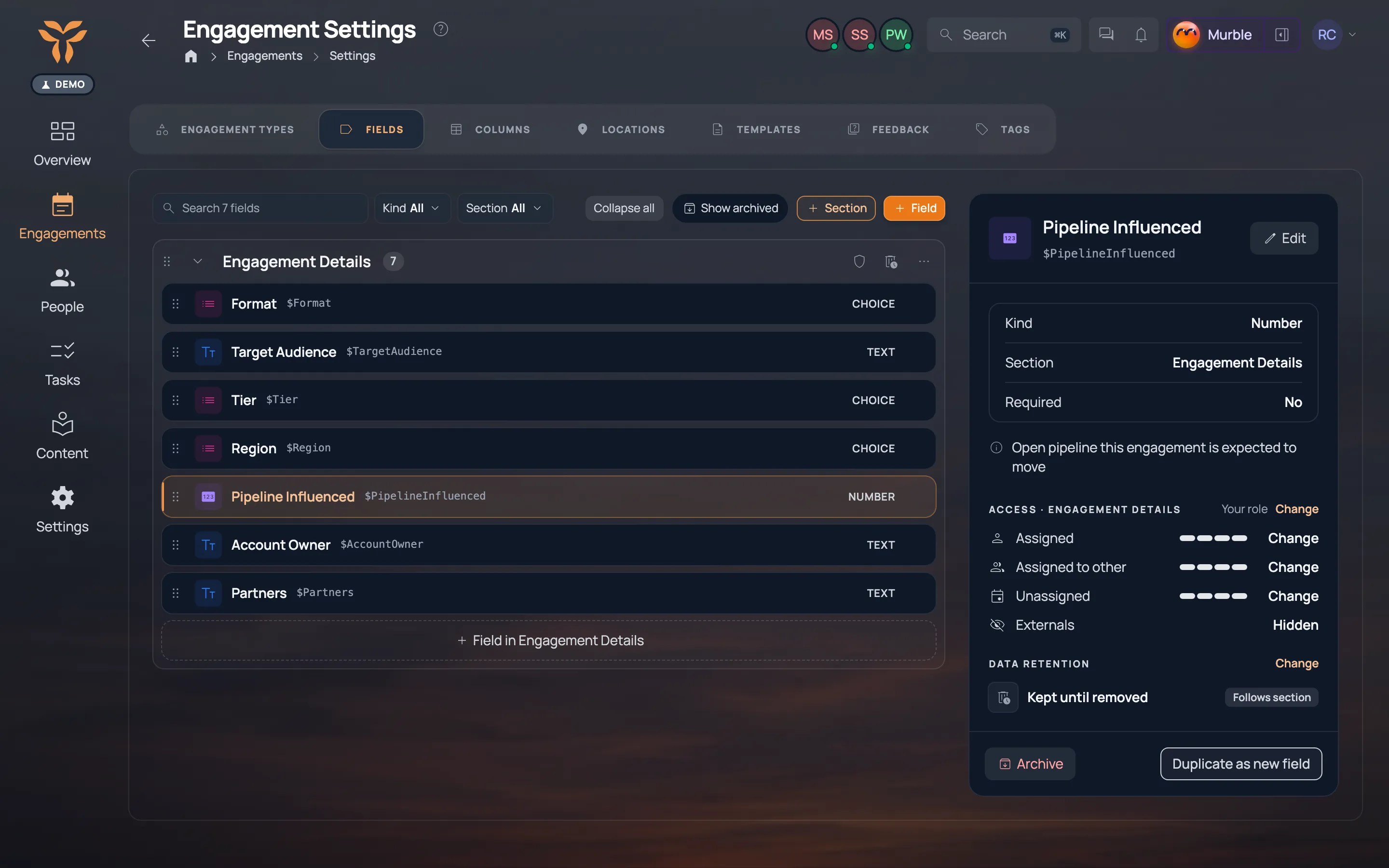
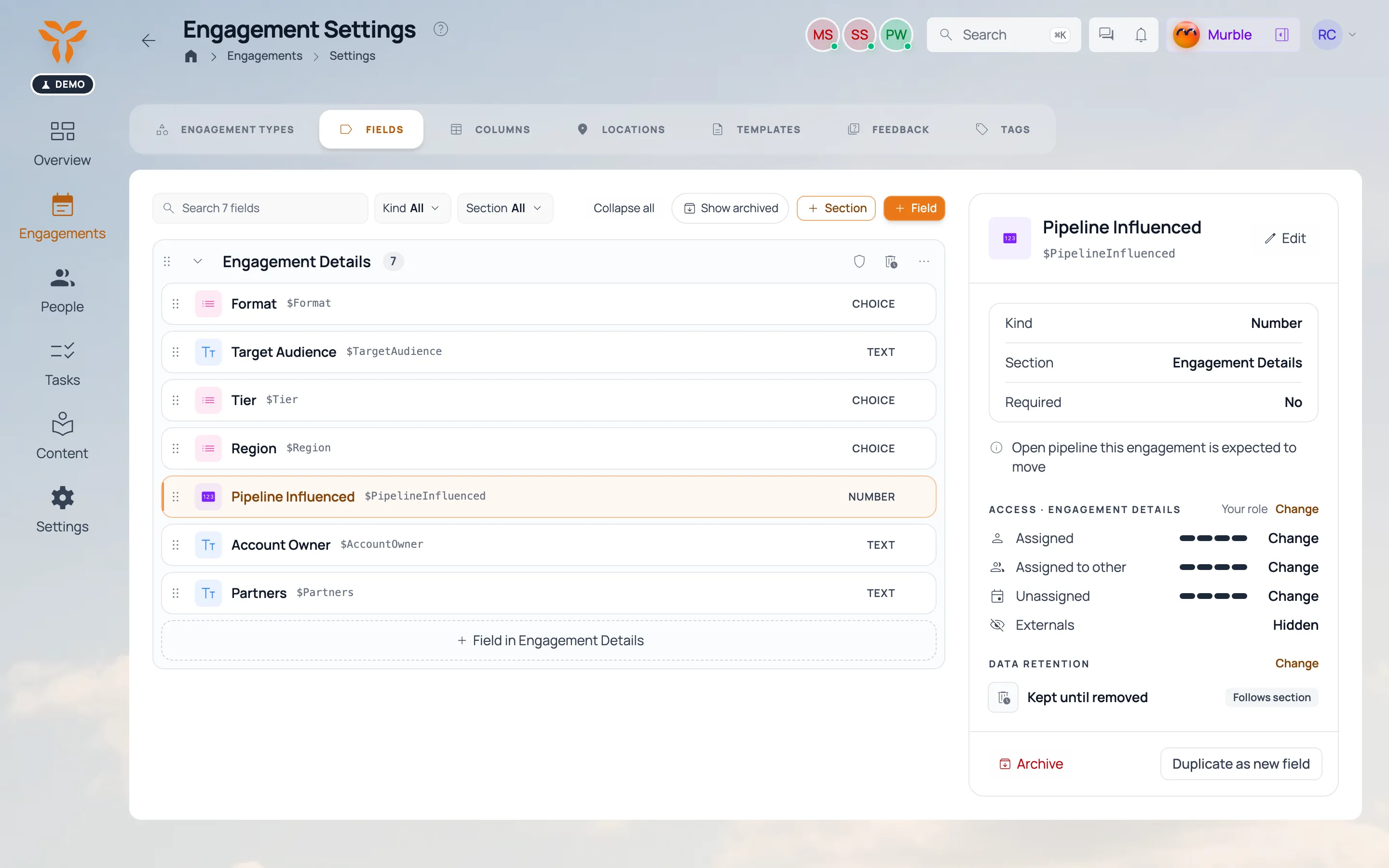
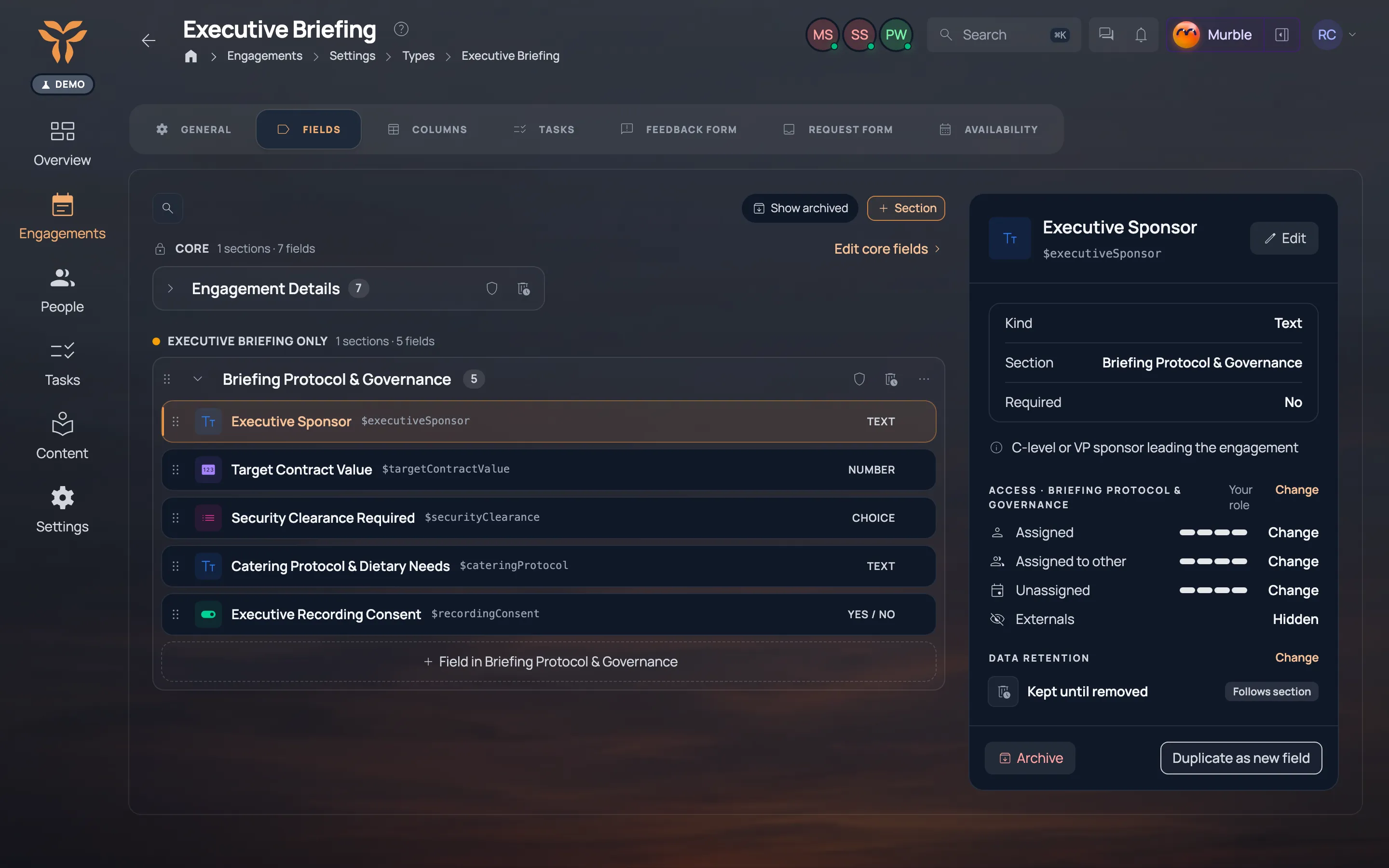
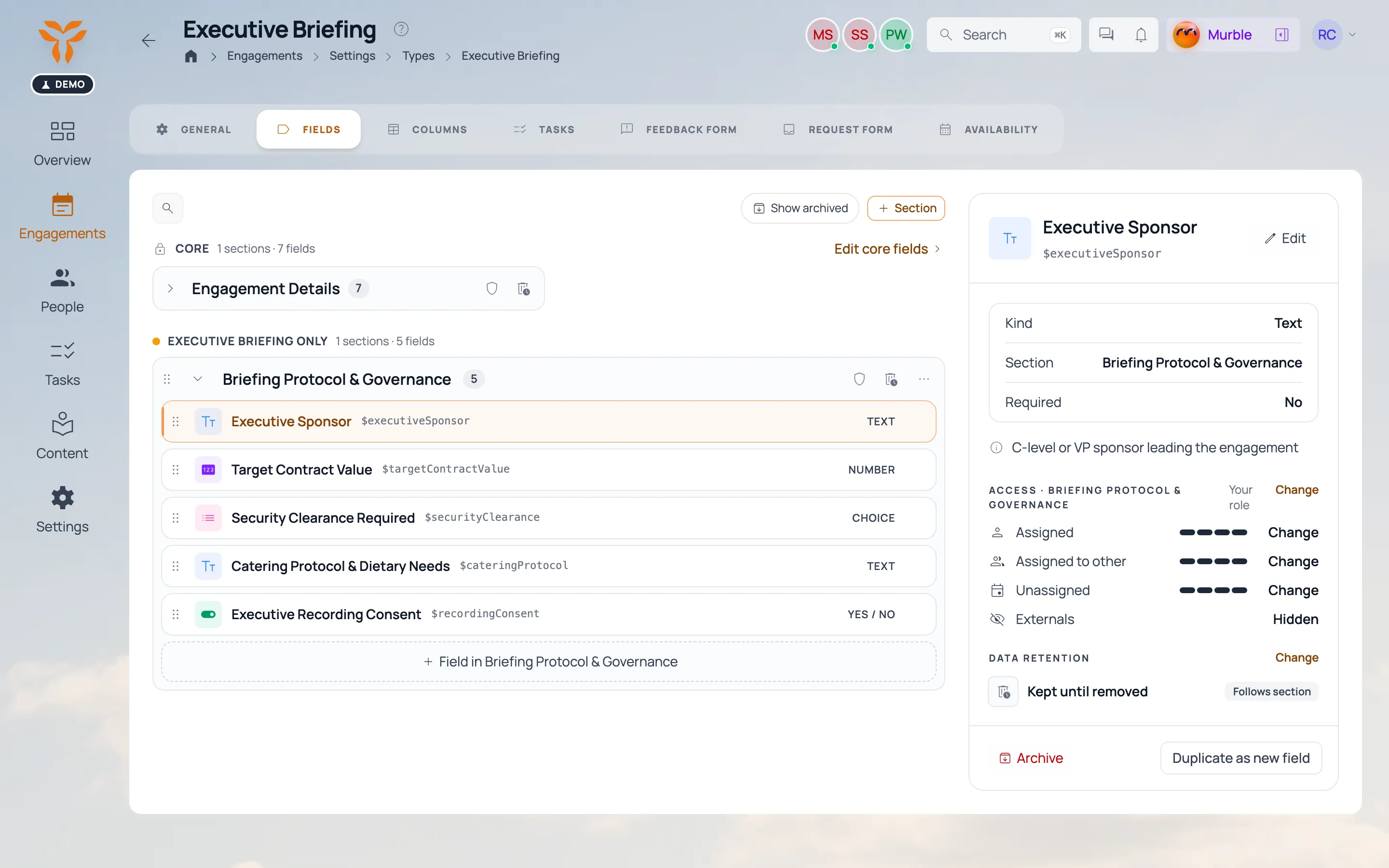
The field manager: core fields plus custom ones per engagement type. The field manager: core fields plus custom ones per engagement type.
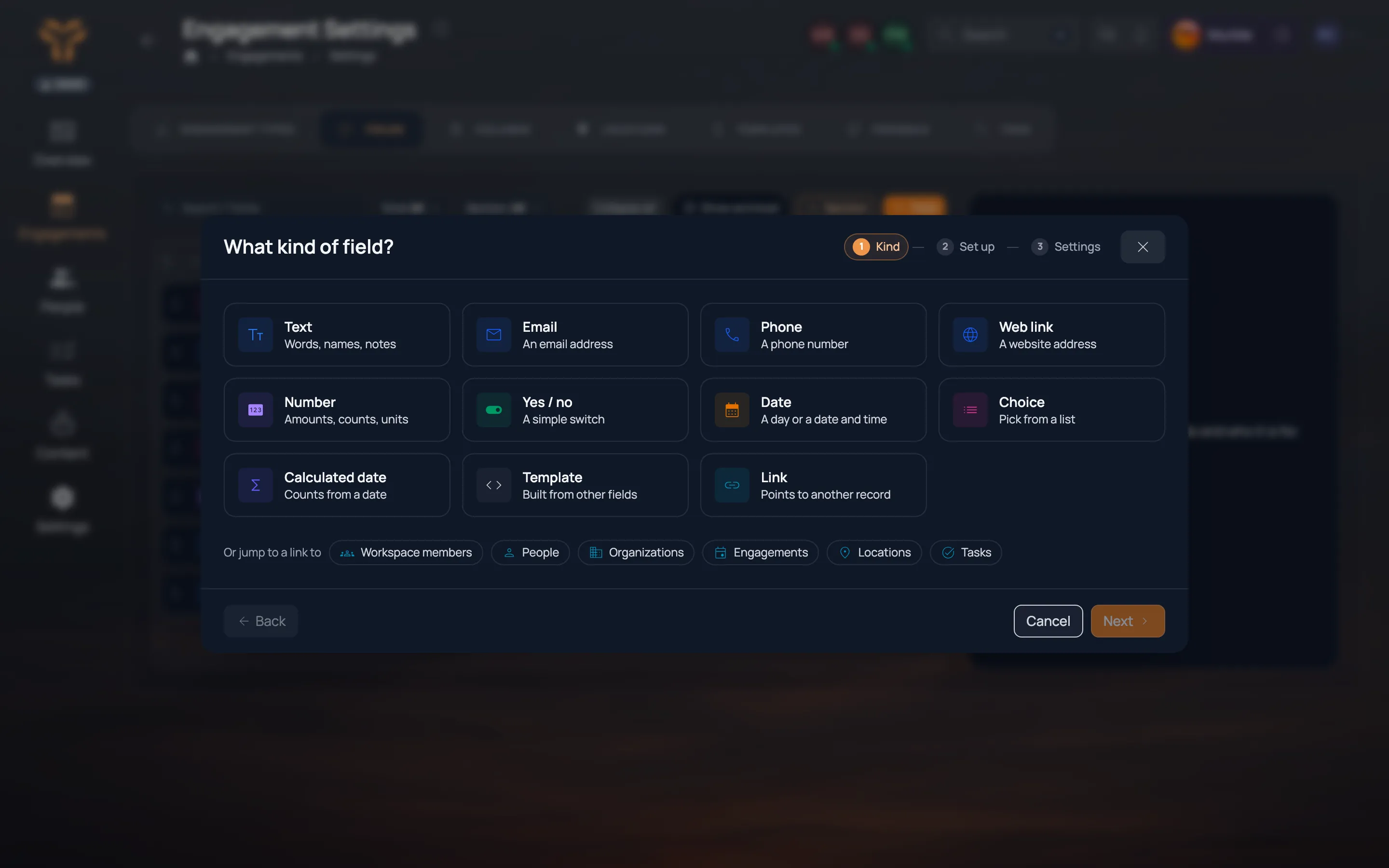
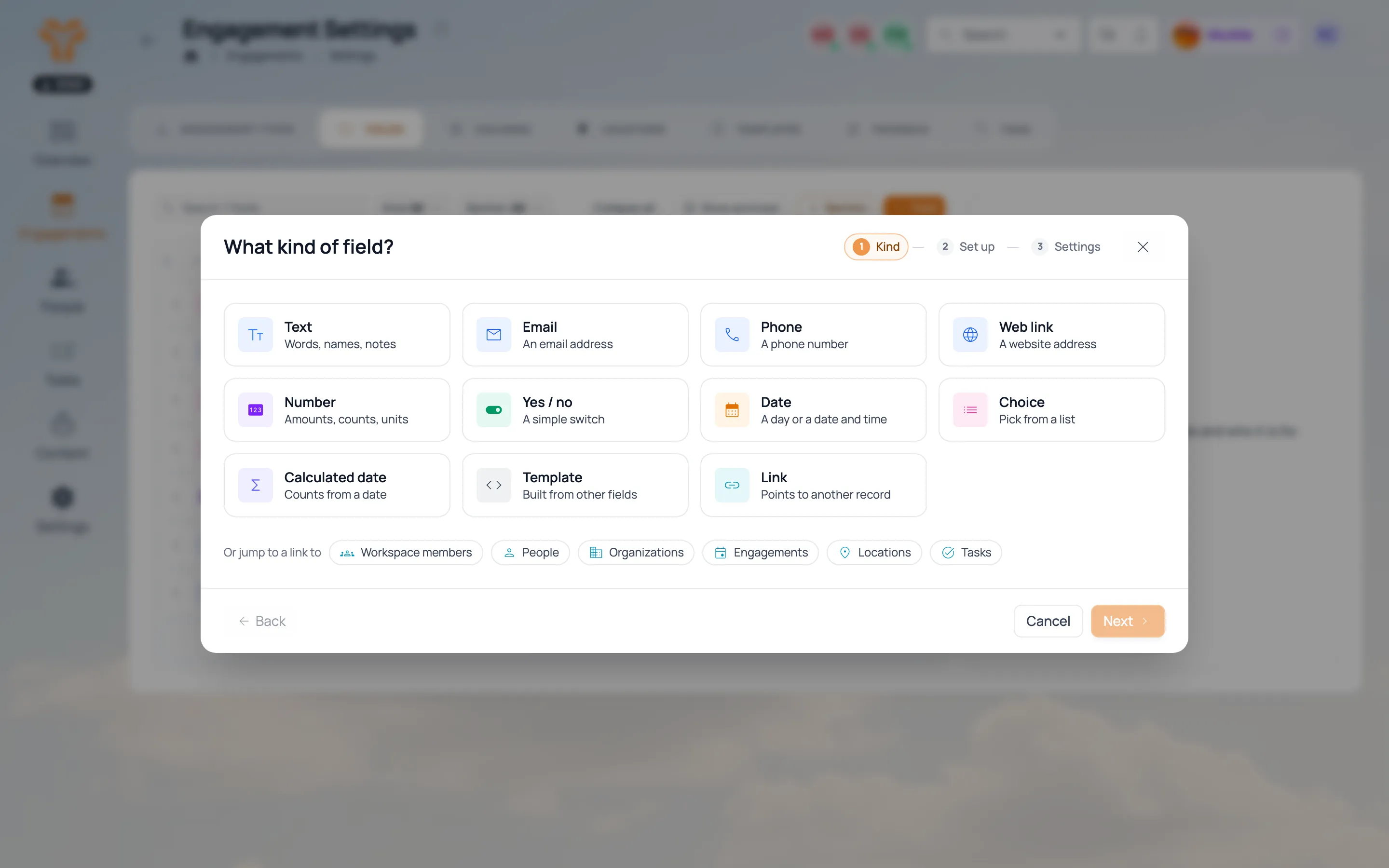
Choosing a new field’s kind: text, email, phone, web link, number, yes or no, date, choice, calculated date, template or link. Choosing a new field’s kind: text, email, phone, web link, number, yes or no, date, choice, calculated date, template or link.
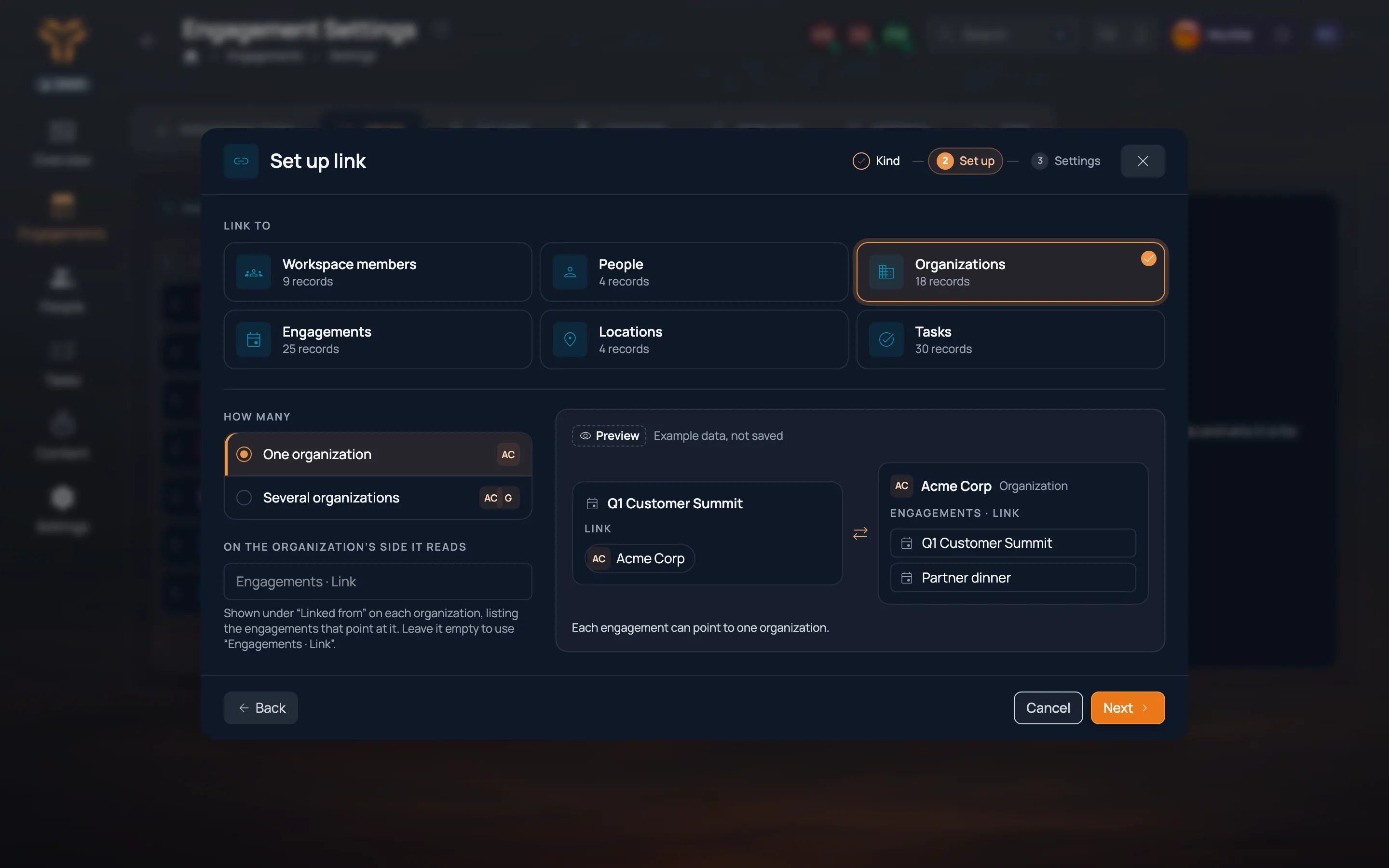
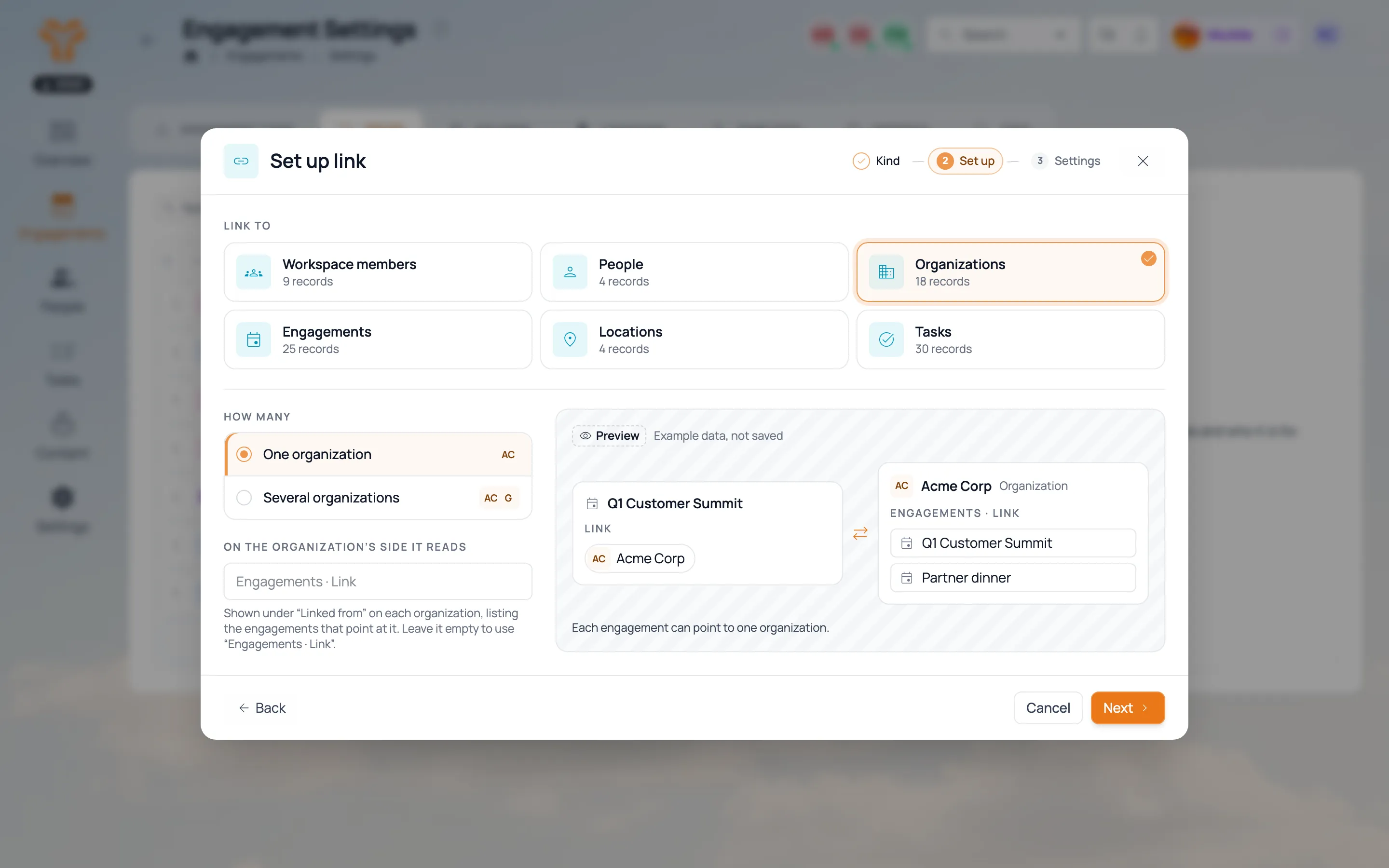
Setting up a link field to Organizations, with a preview of the engagement and the organization side. Setting up a link field to Organizations, with a preview of the engagement and the organization side.
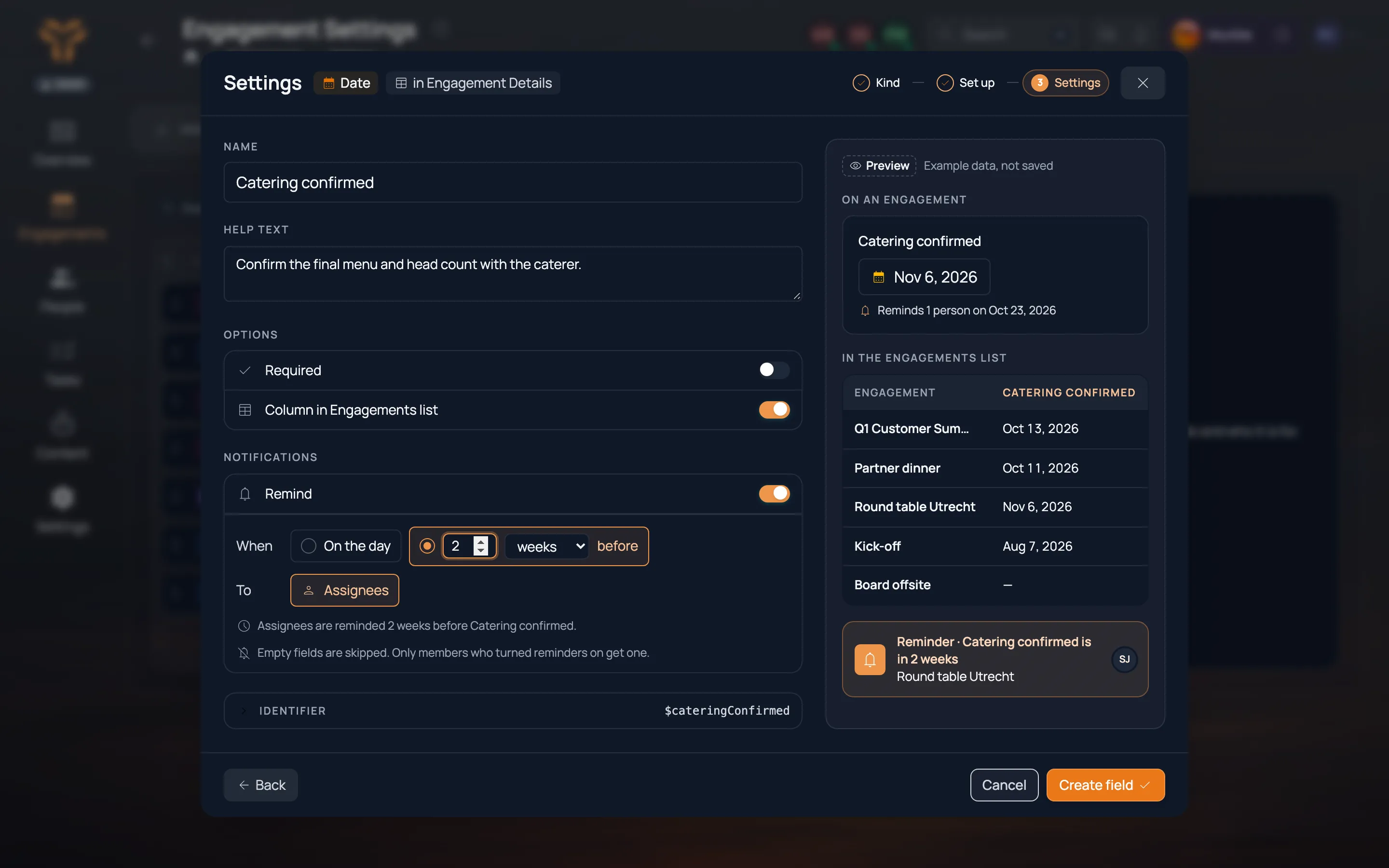
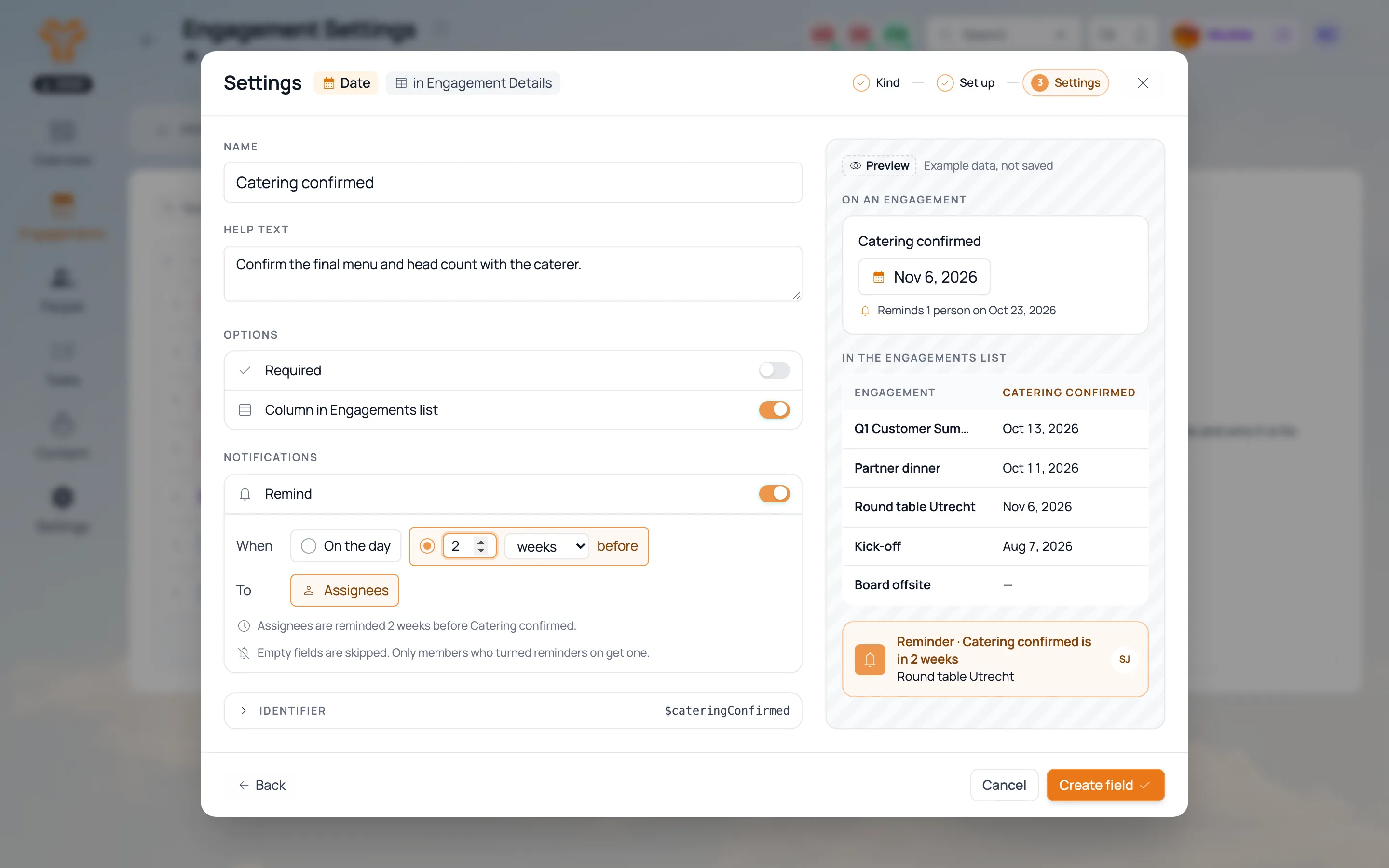
A date field’s settings: a column in the engagements list and a reminder to assignees two weeks before. A date field’s settings: a column in the engagements list and a reminder to assignees two weeks before.
Field set for the Executive briefing type. Field set for the Executive briefing type.
Click for more
02

Grow it

Organizations & leads · Organization

Every customer organization with its people and engagements.

Leads
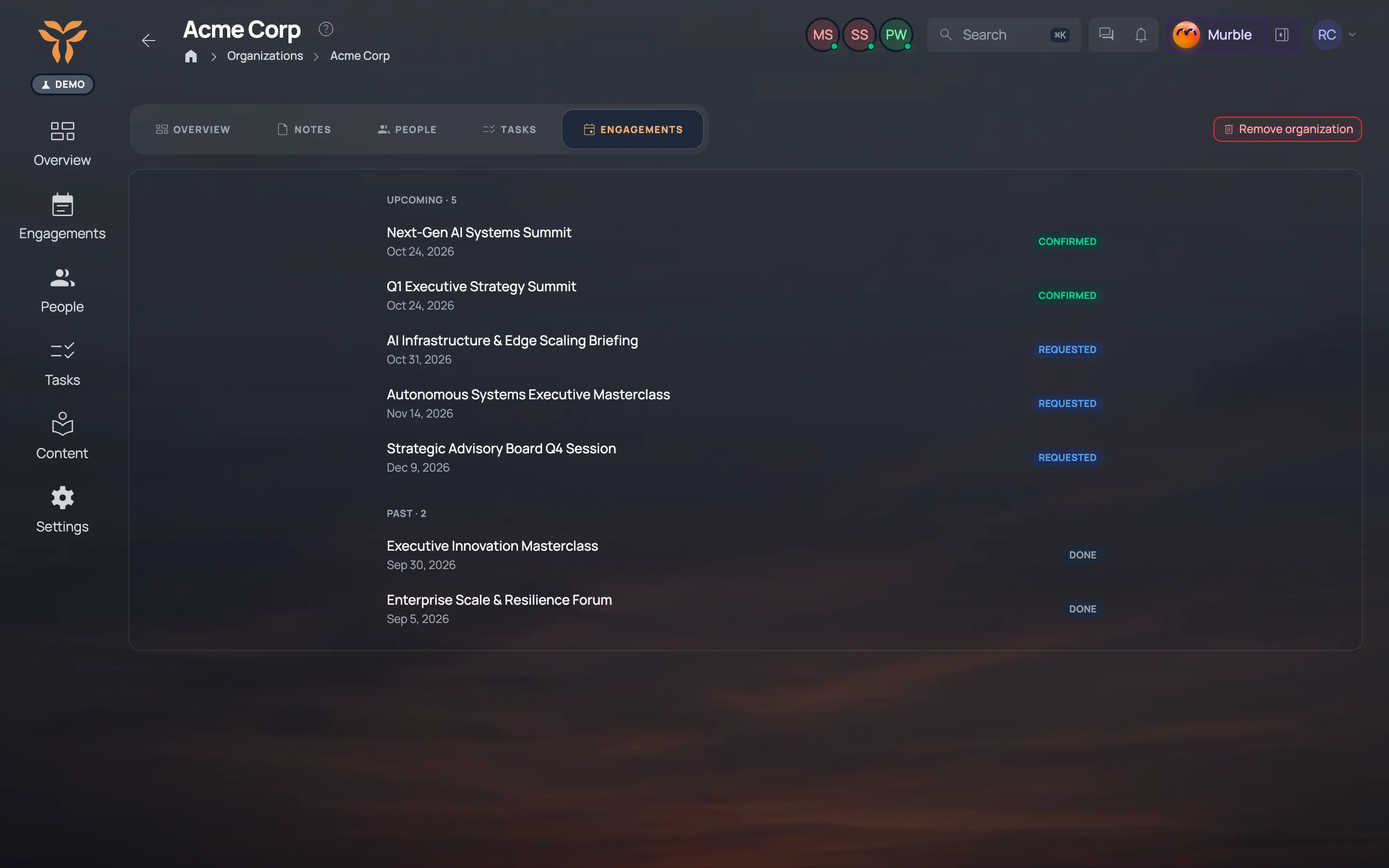
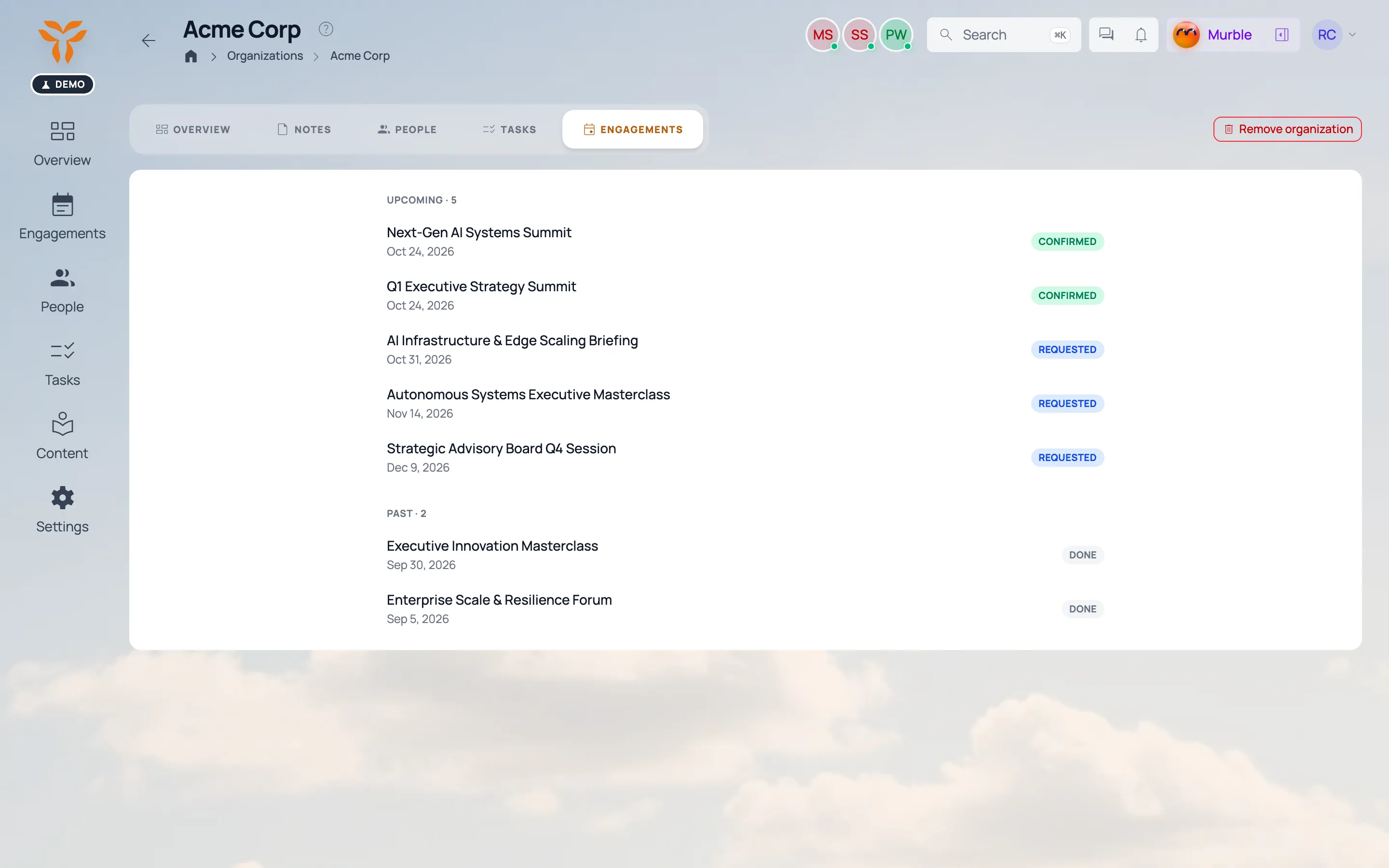
Organization page: contacts and engagement history. Organization page: contacts and engagement history.
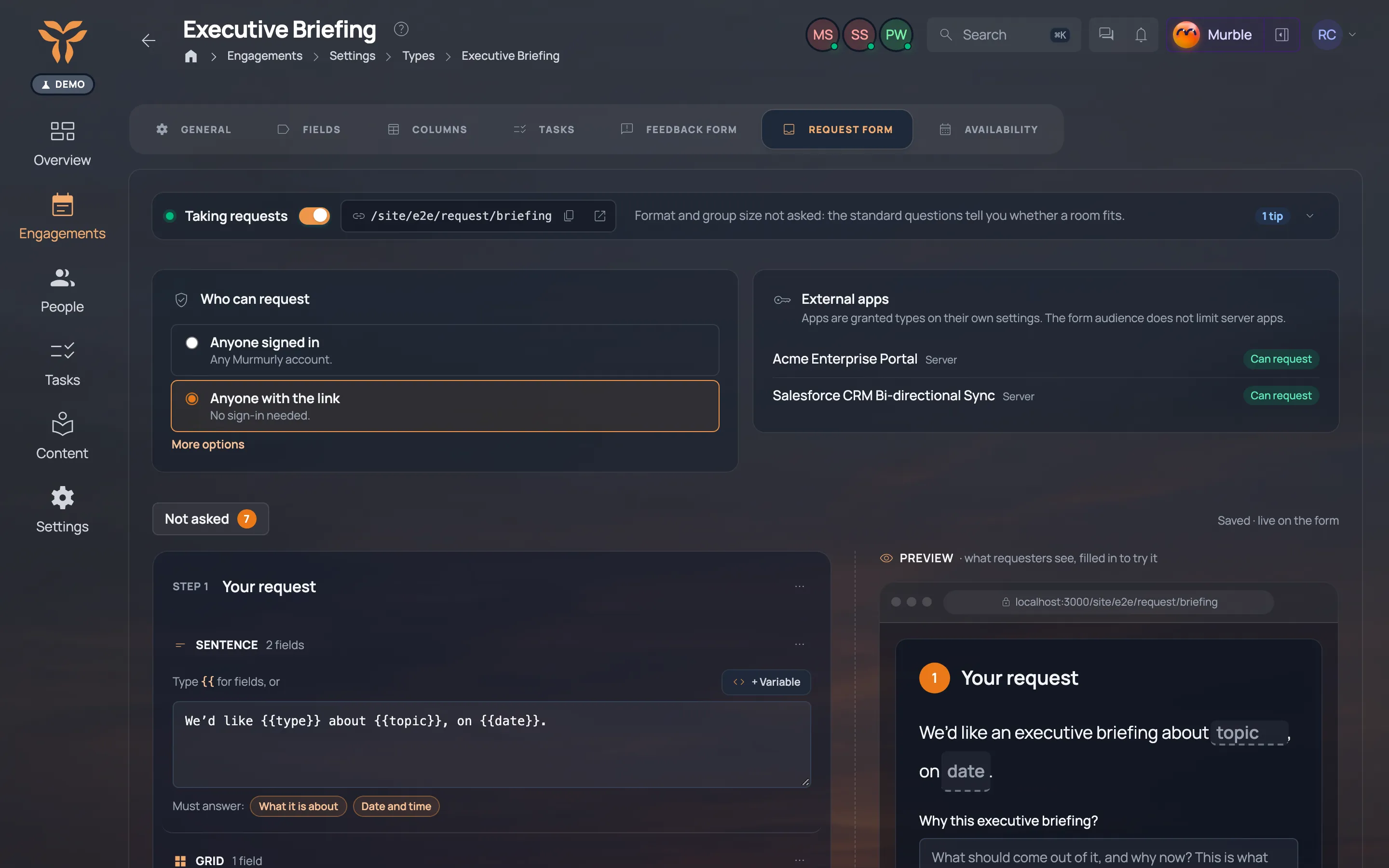
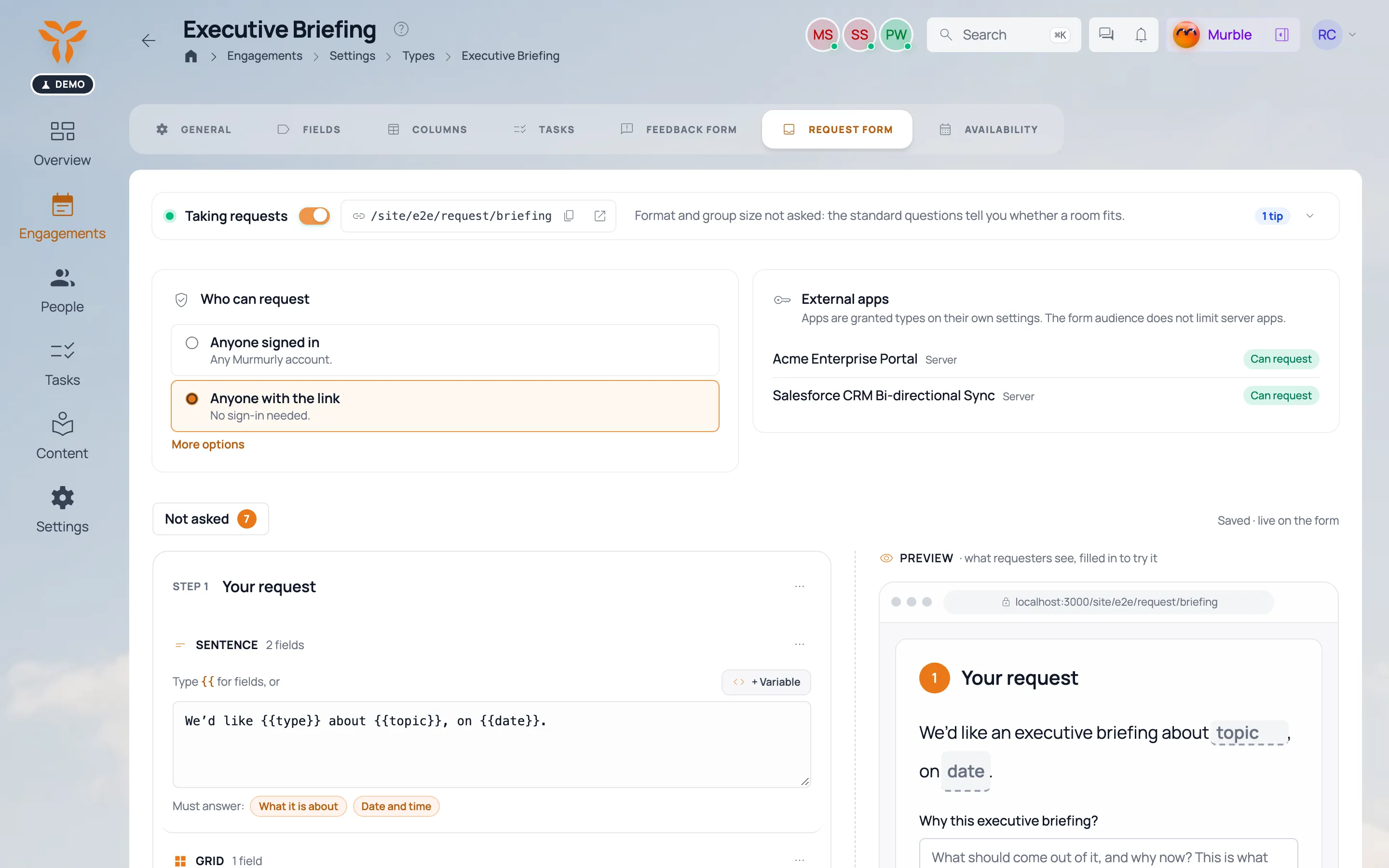
Request form settings for the Executive briefing type: who can request, and the questions the form asks. Request form settings for the Executive briefing type: who can request, and the questions the form asks.
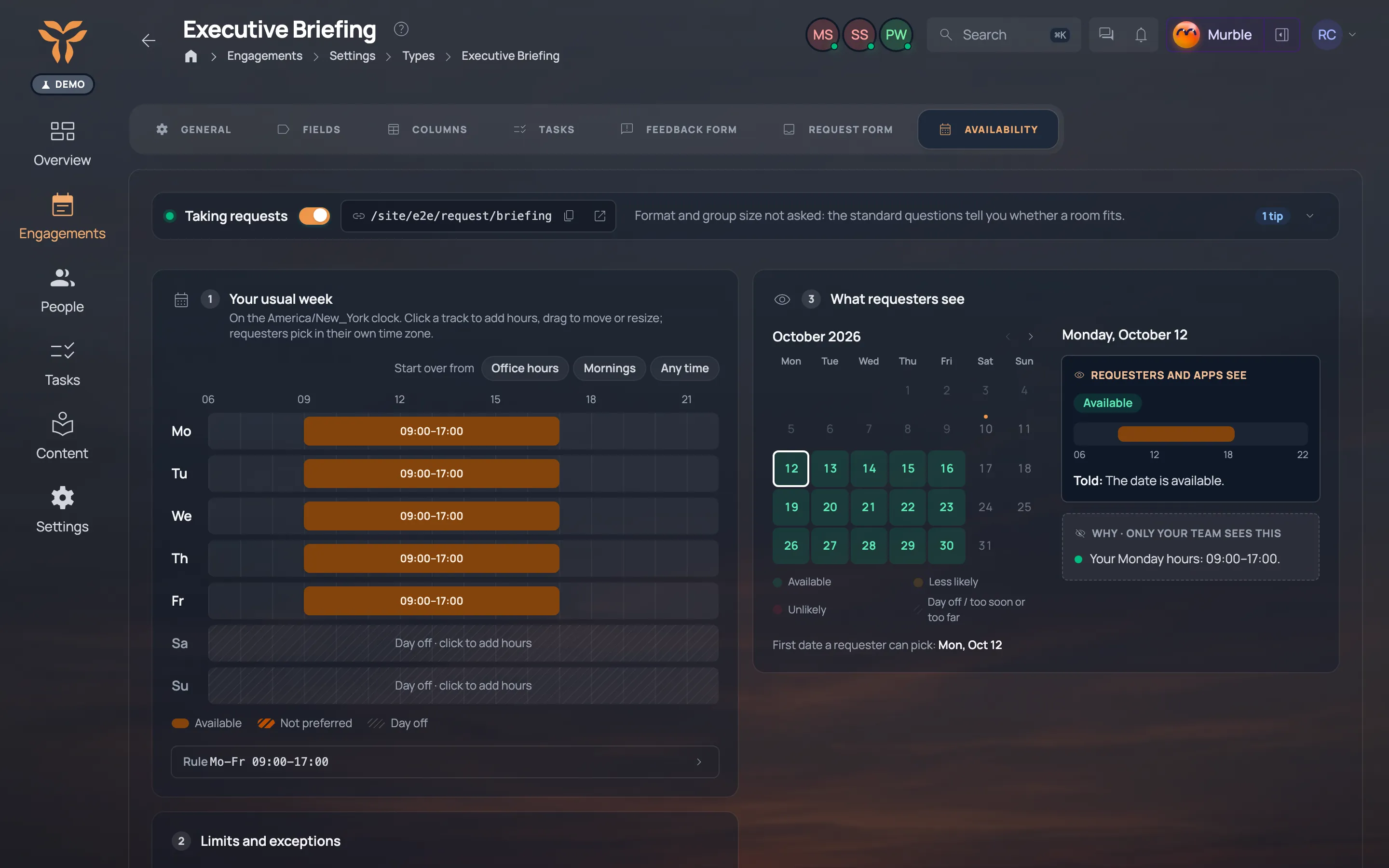
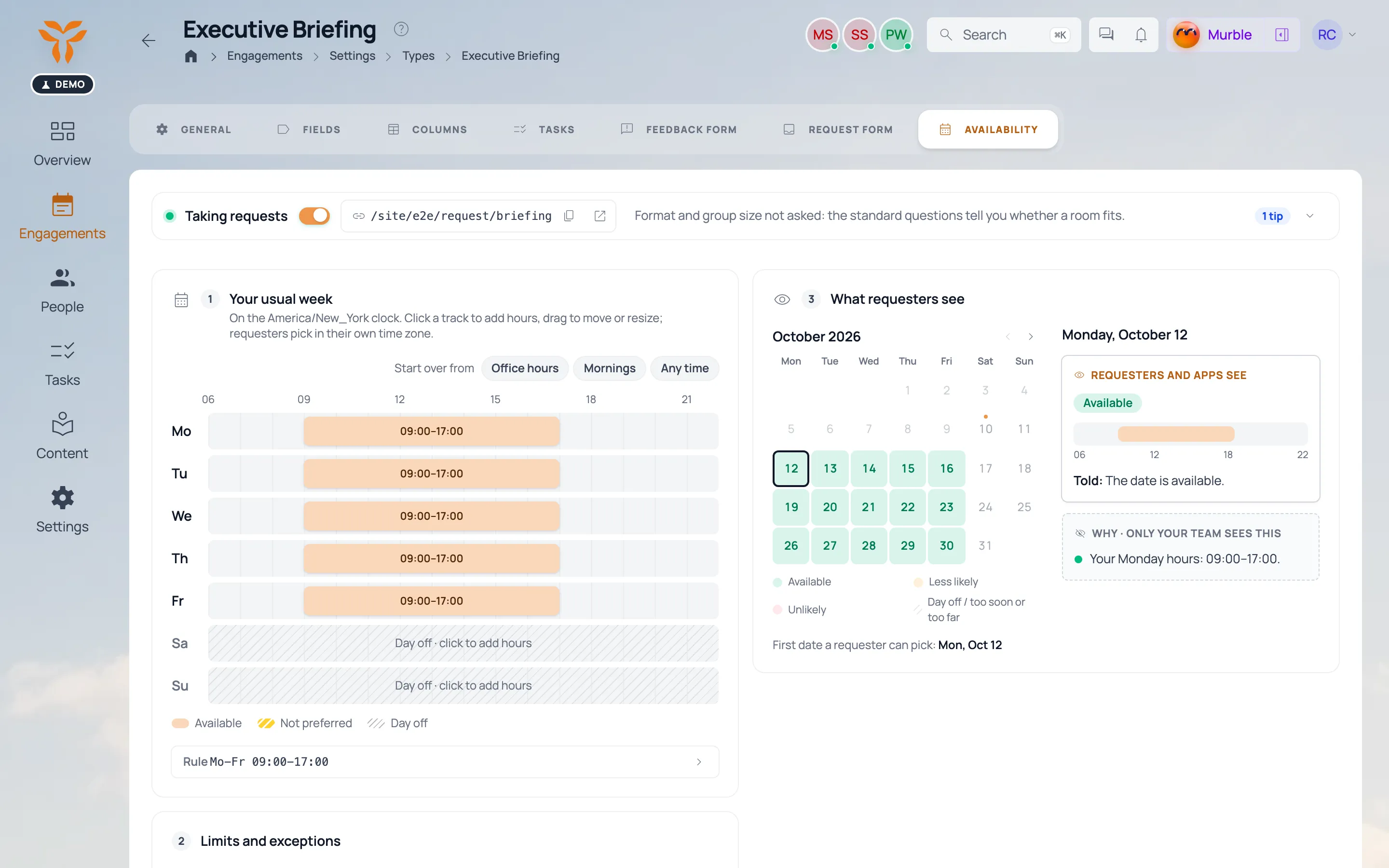
Availability for a type: a weekly grid of hours, with limits and exceptions. Availability for a type: a weekly grid of hours, with limits and exceptions.
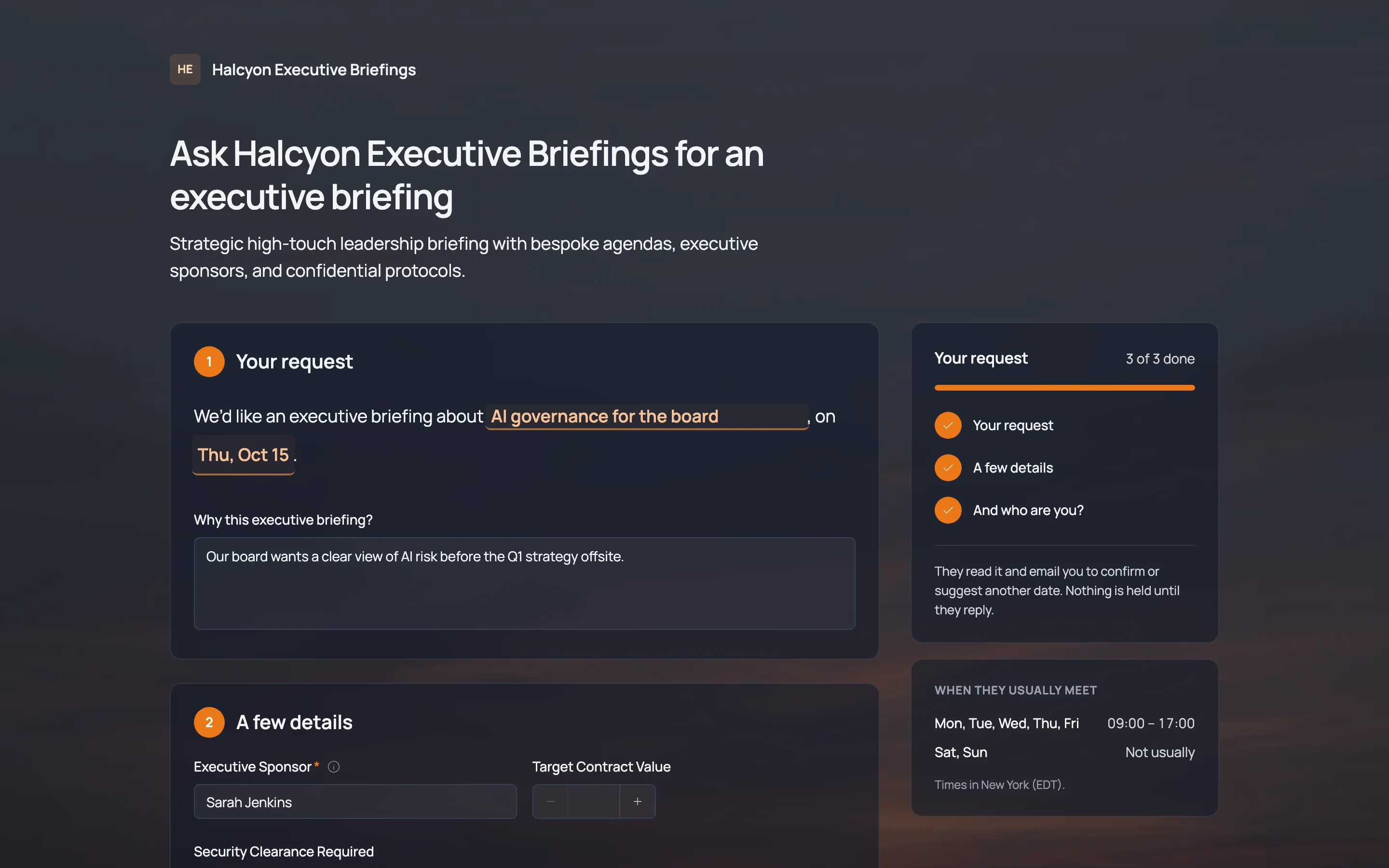
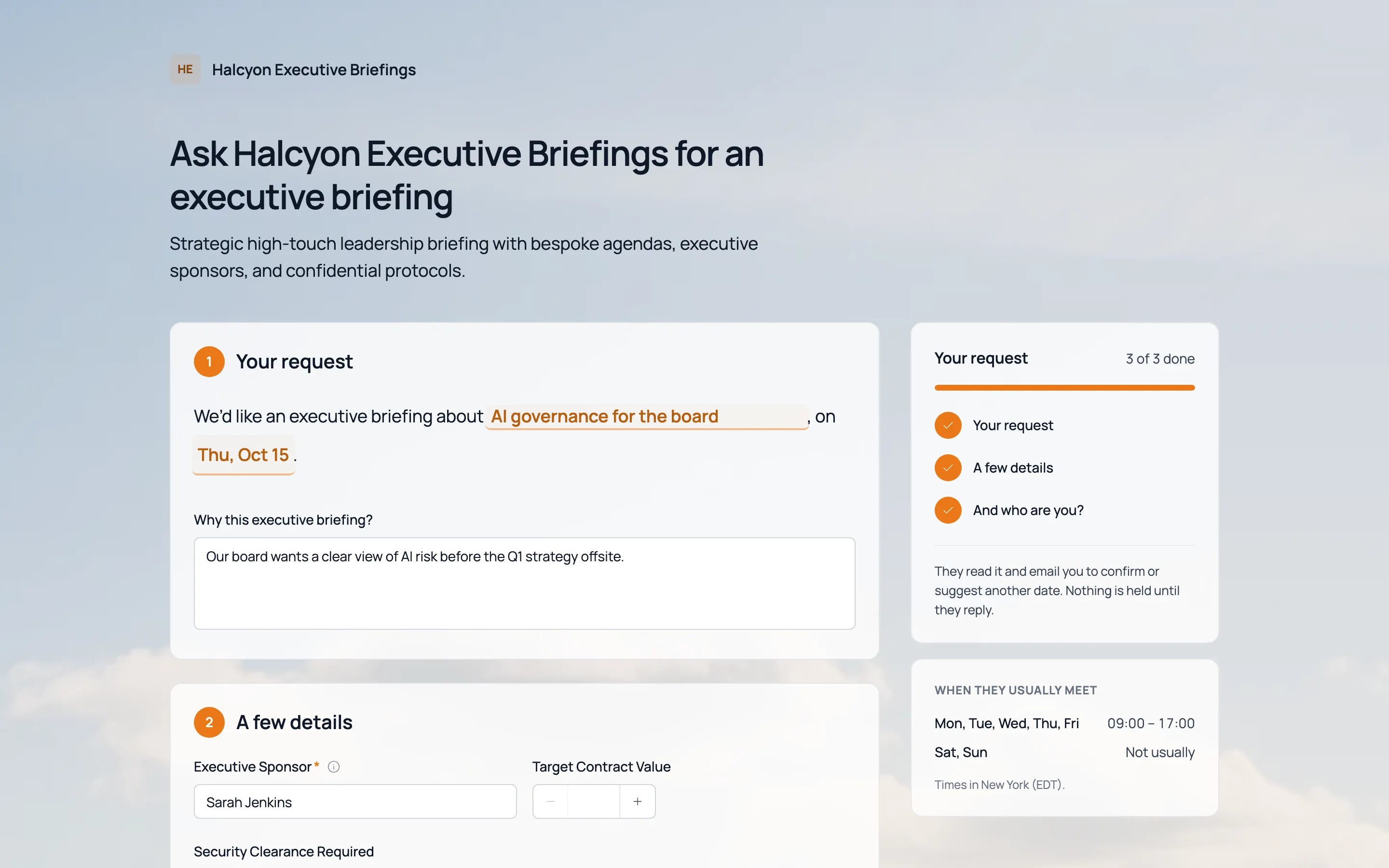
A public “Ask for an executive briefing” form: your request, then who you are. A public “Ask for an executive briefing” form: your request, then who you are.
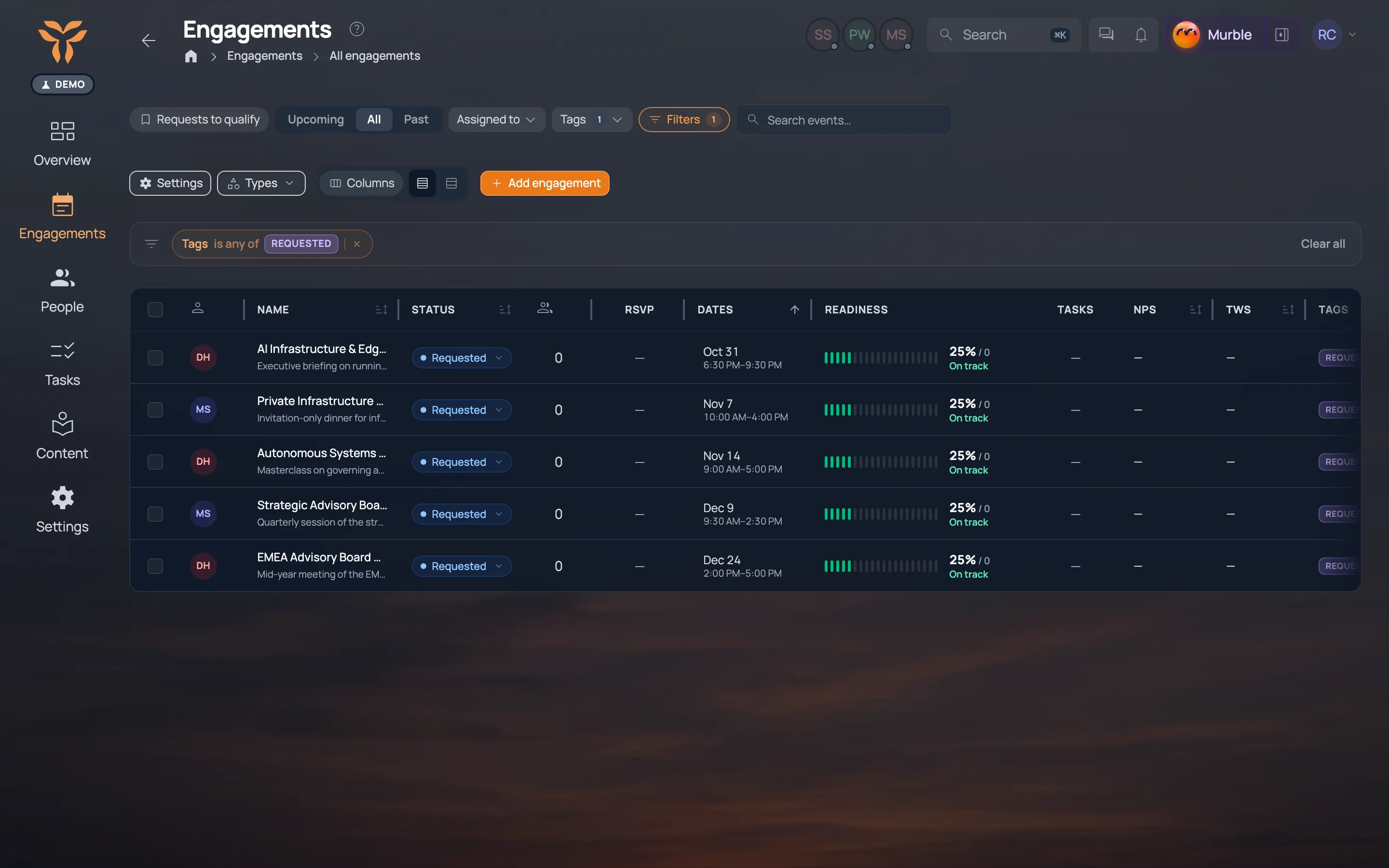
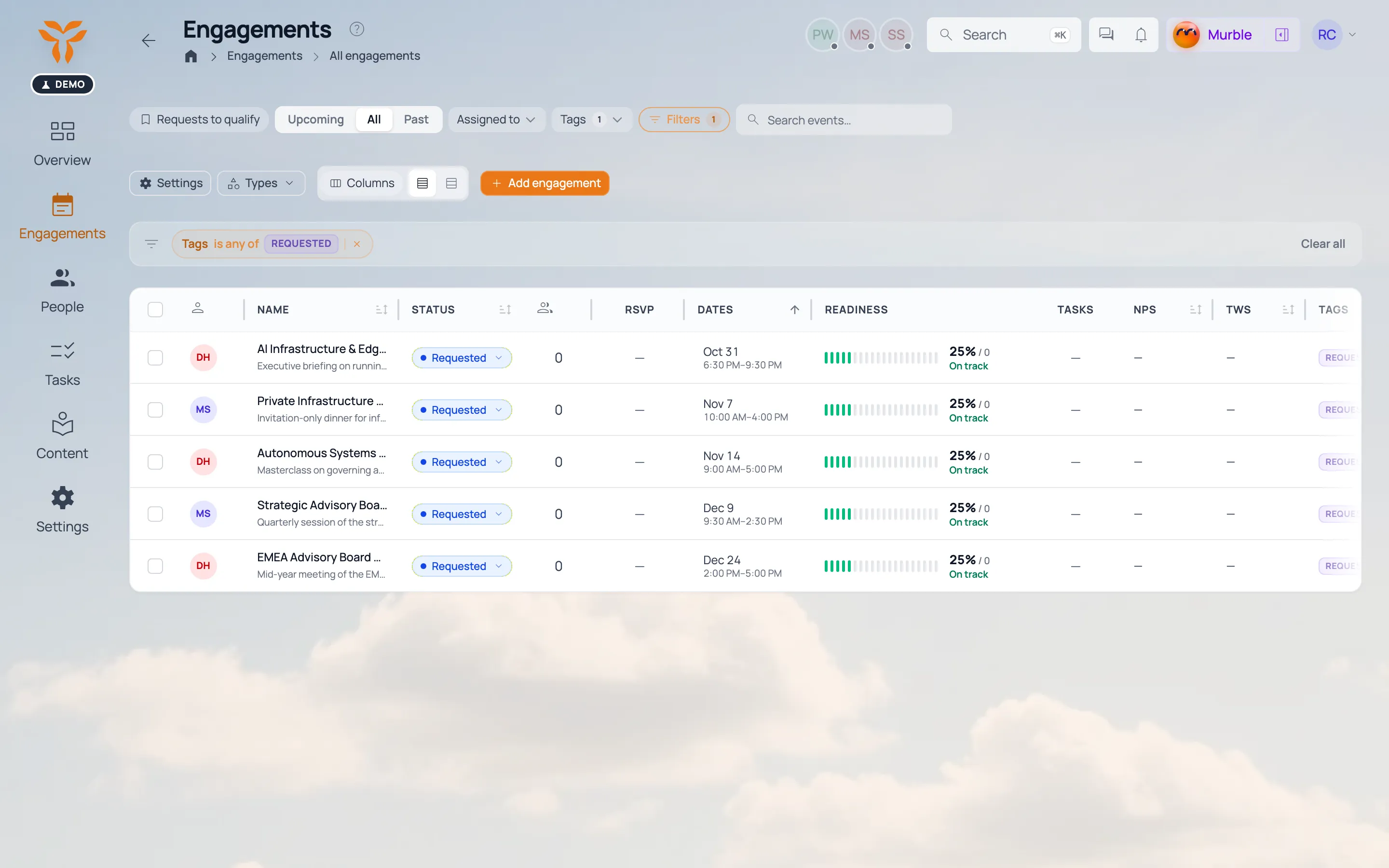
Incoming requests with status and owner. Incoming requests with status and owner.
Click for more
03

Run it with me

Murble · Propose, approve

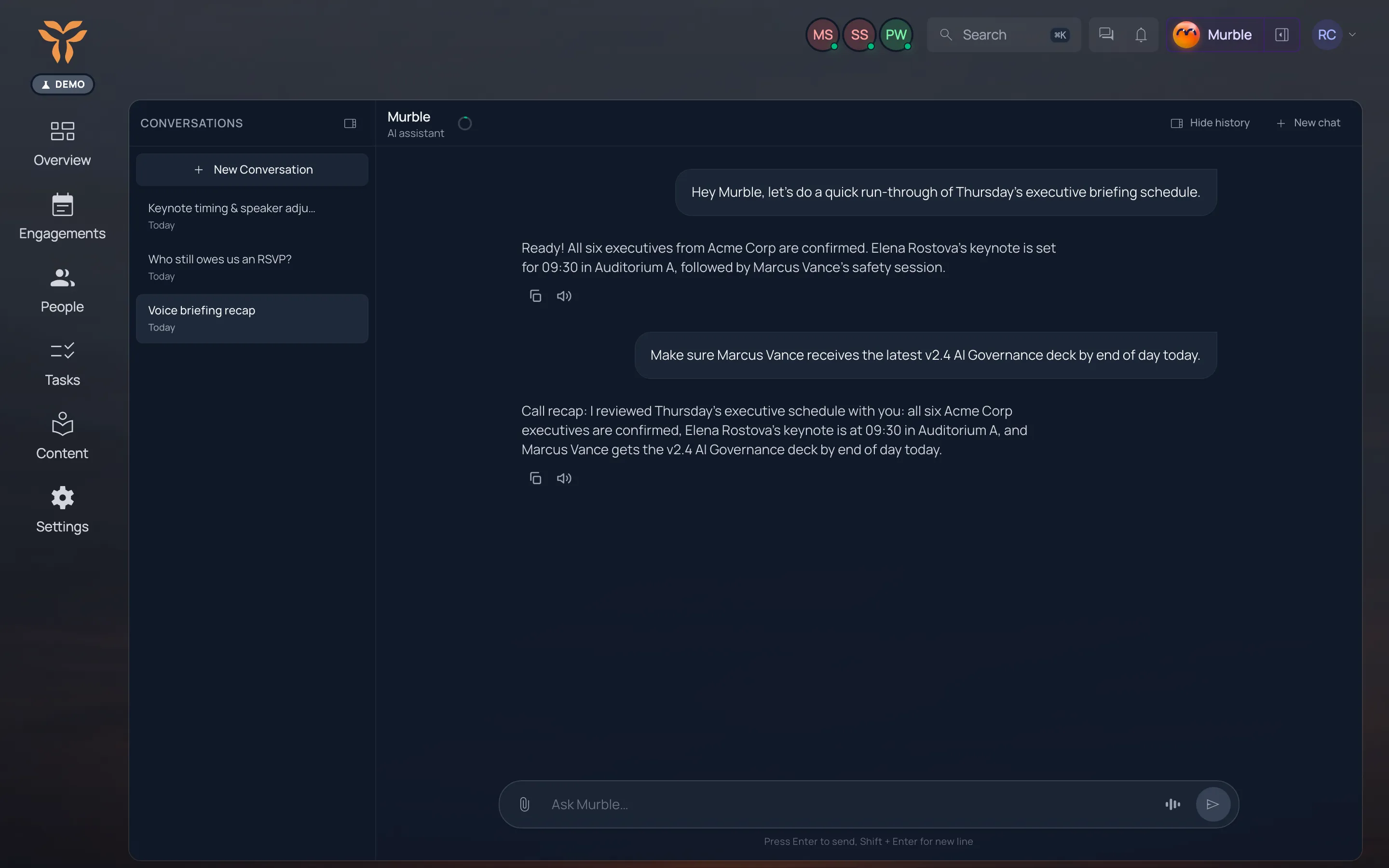
Ask me to move a session, chase an RSVP or invite a speaker. I show you the change first; you approve.

Murble
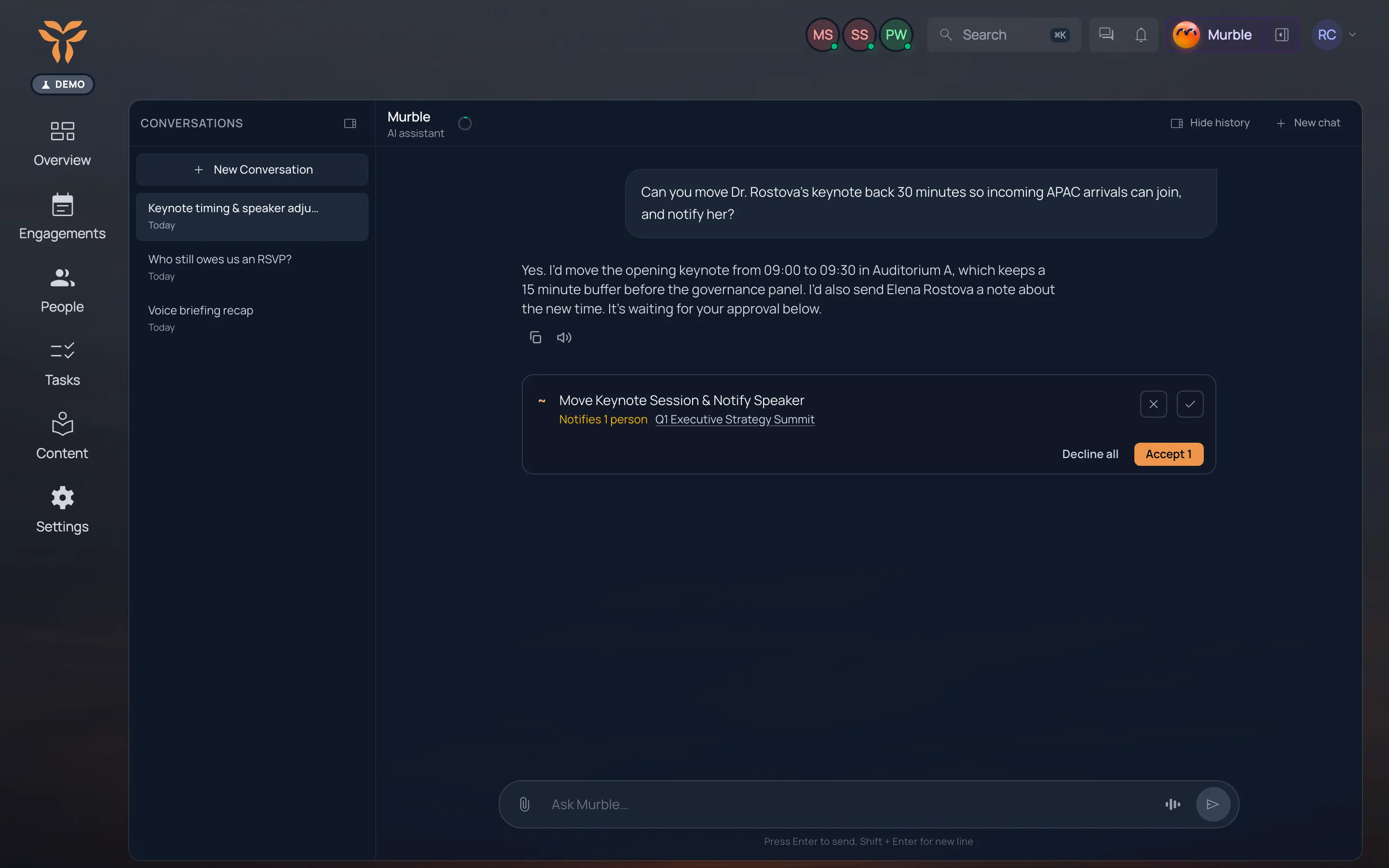
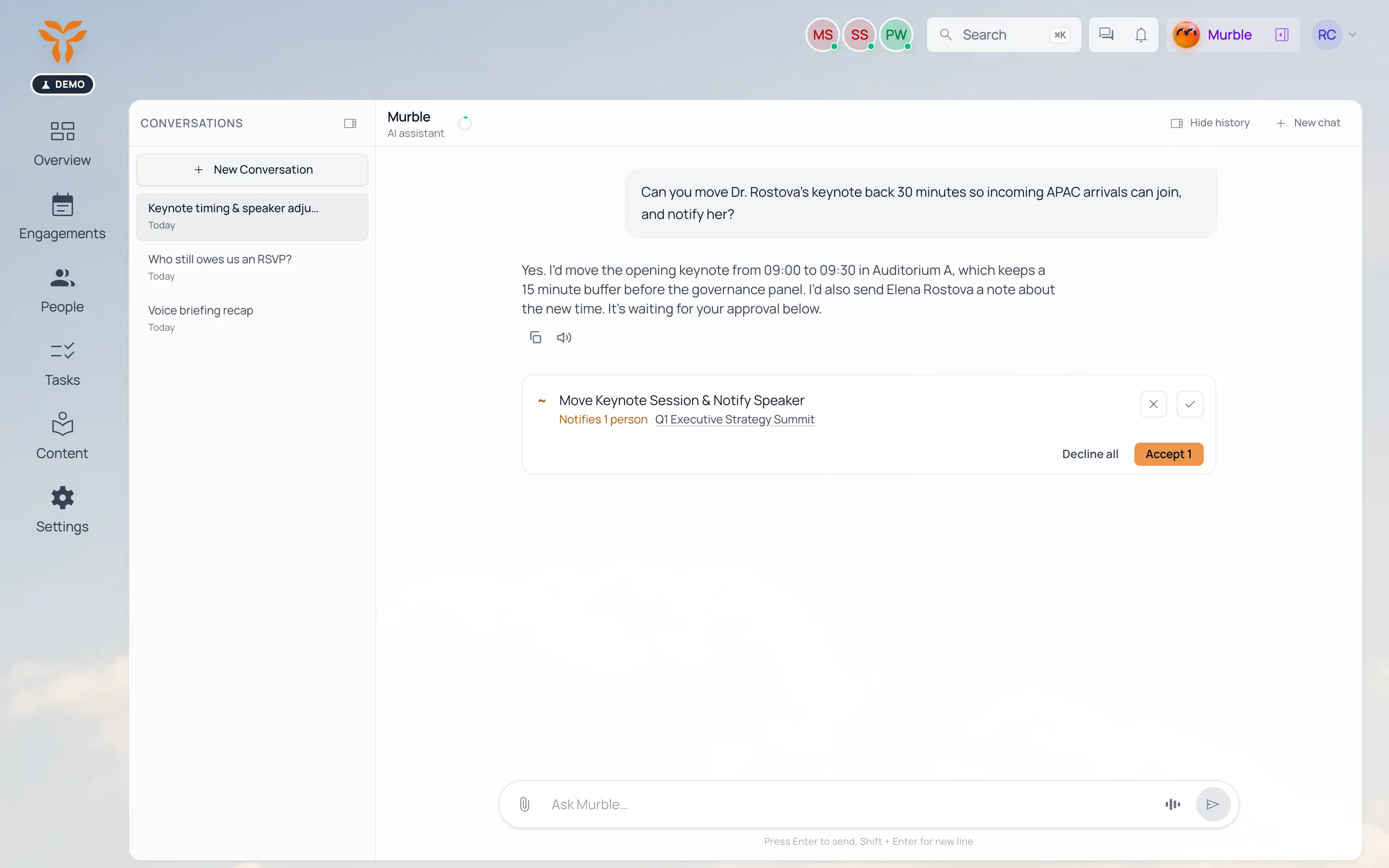
Murble proposing a change set (move session, notify speaker) with Approve / Edit. Murble proposing a change set (move session, notify speaker) with Approve / Edit.
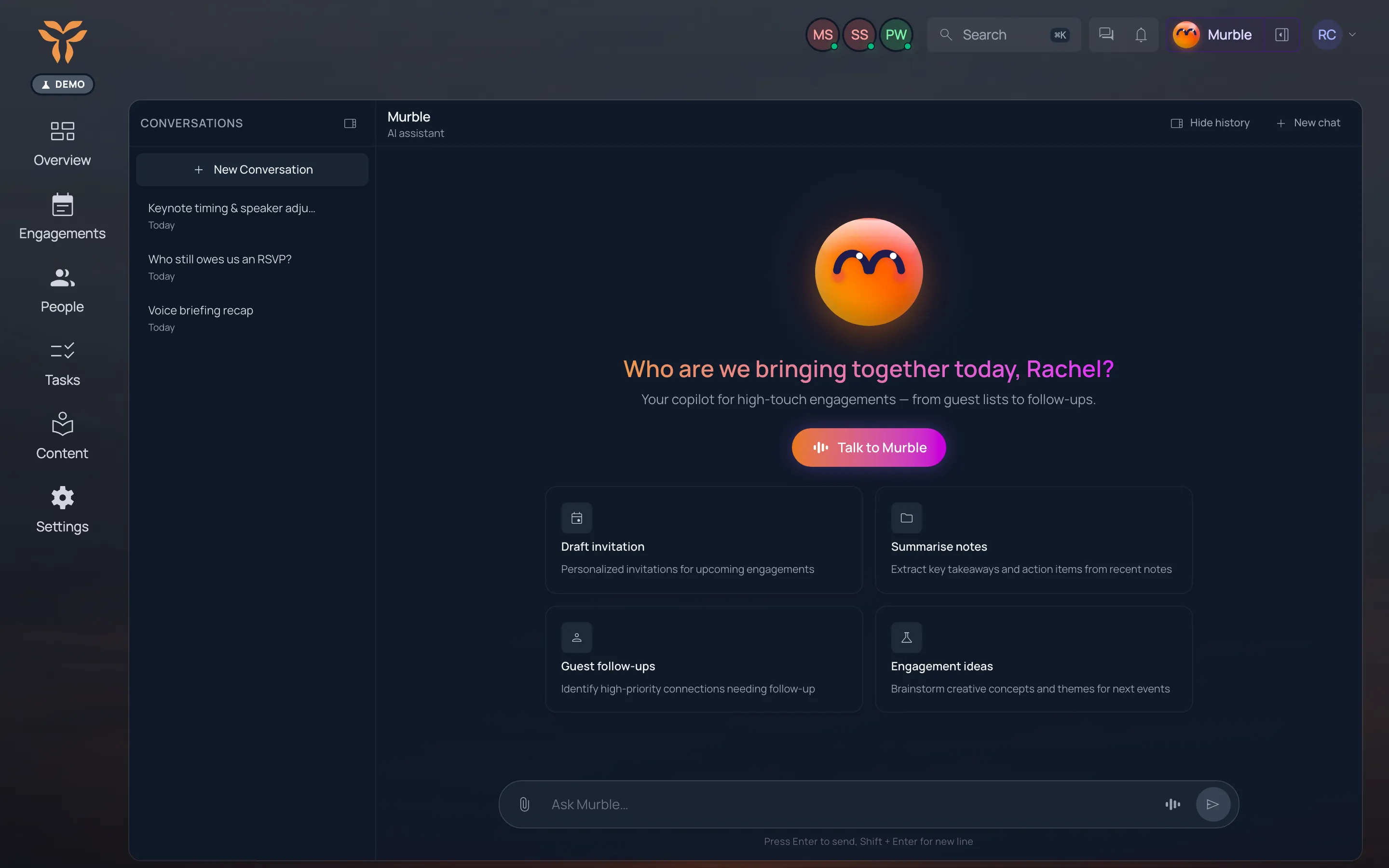
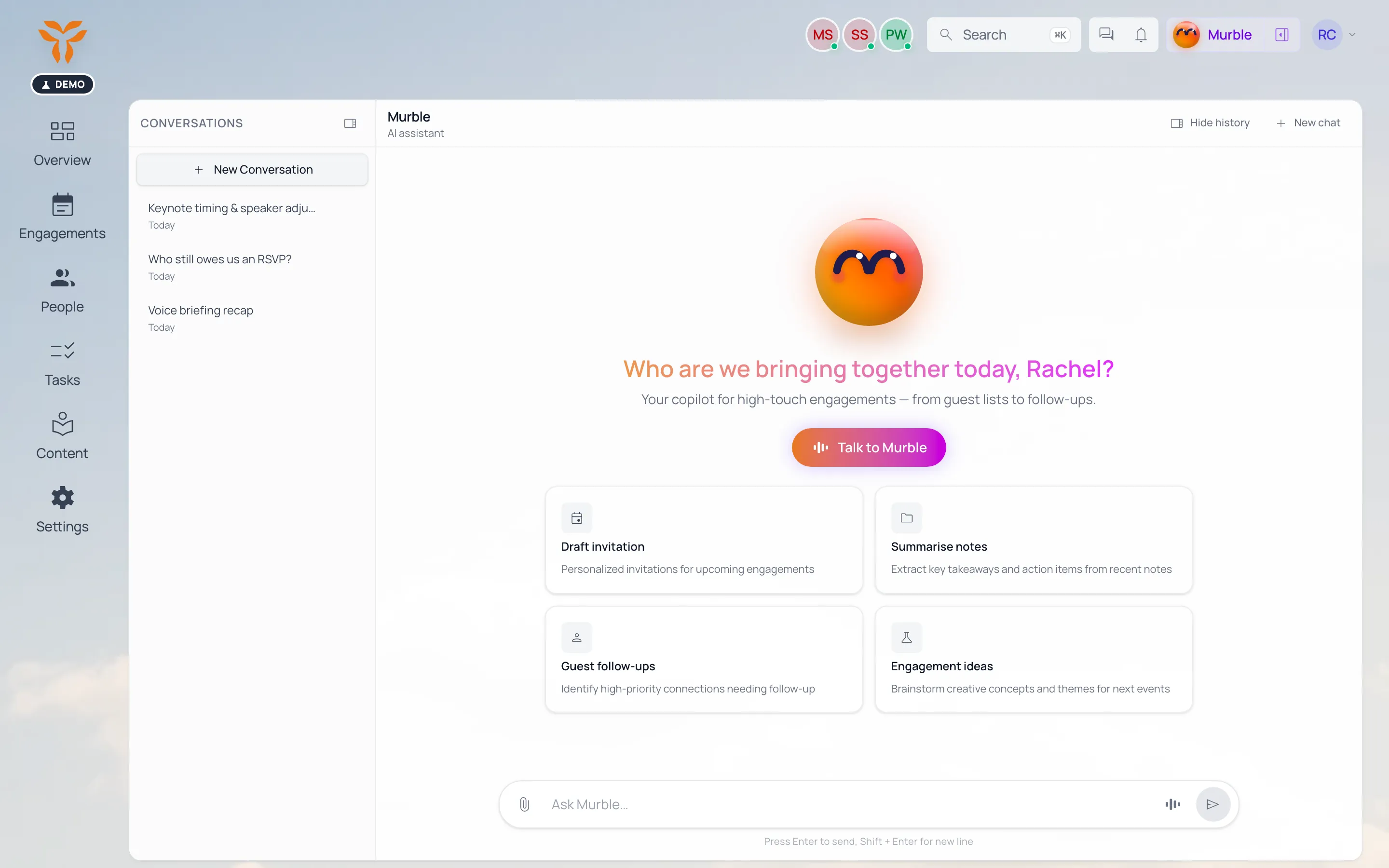
Murble’s chat: “Who are we bringing together today?” with suggested tasks. Murble’s chat: “Who are we bringing together today?” with suggested tasks.
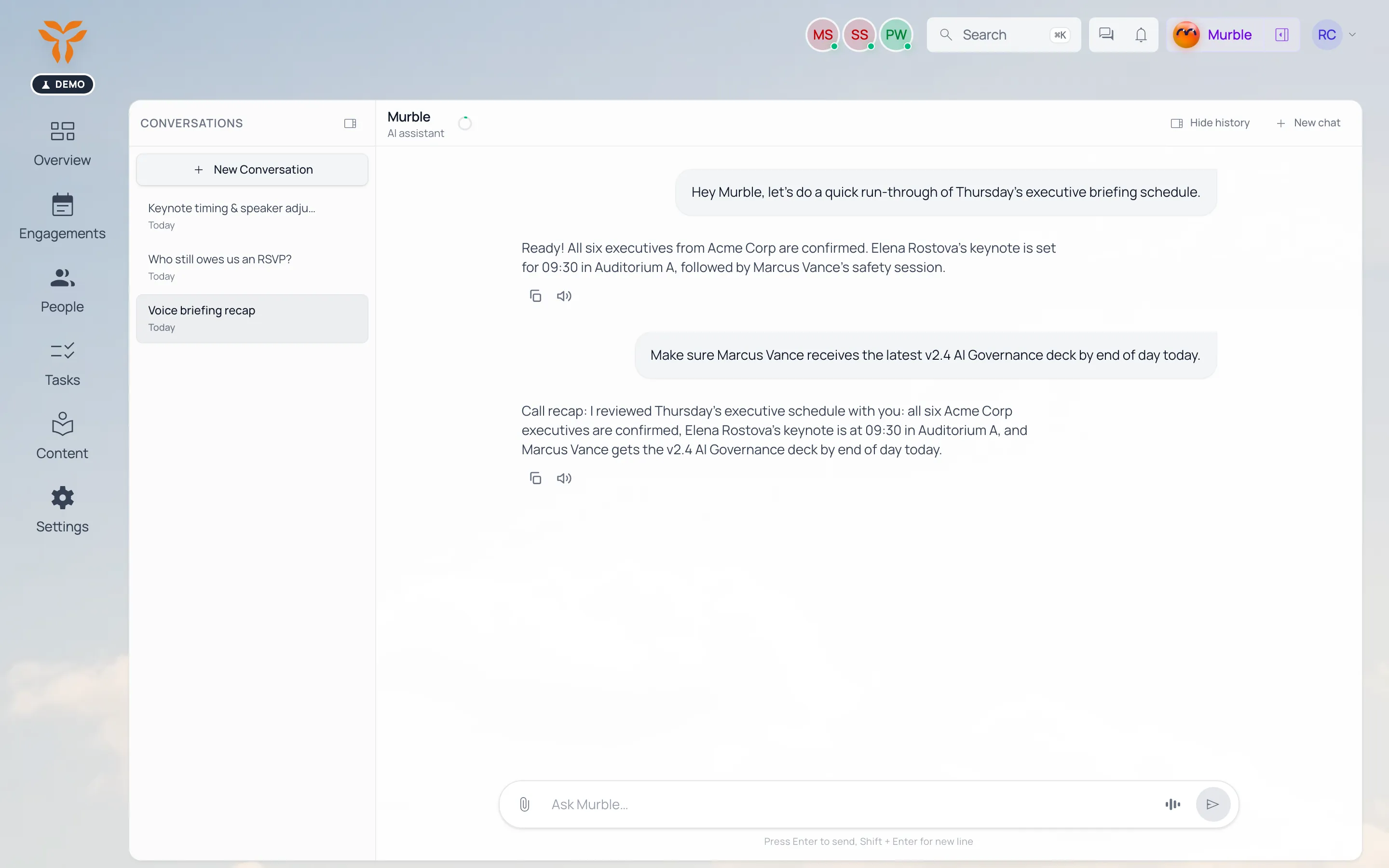
Voice call with live captions, then the recap. Voice call with live captions, then the recap.
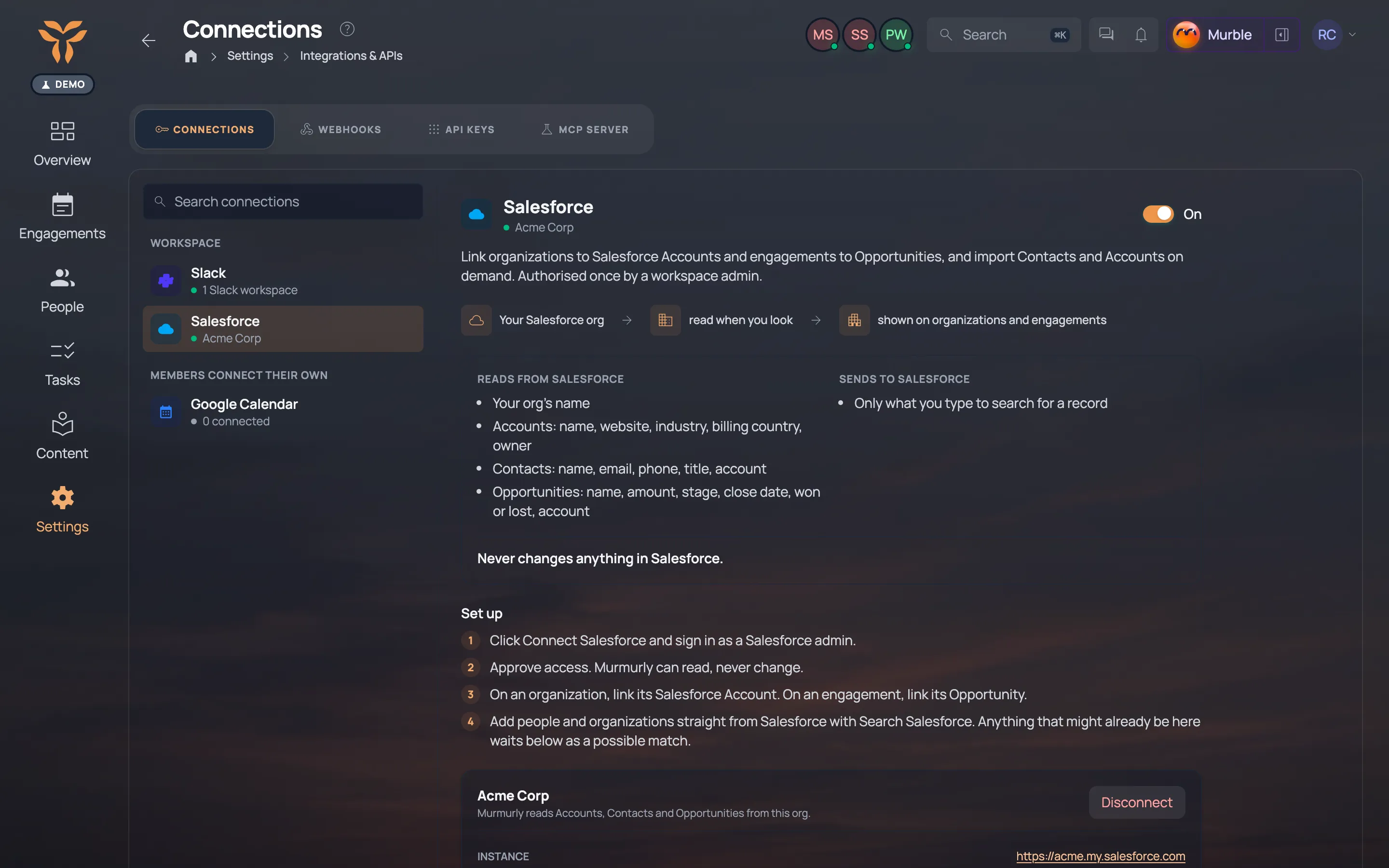
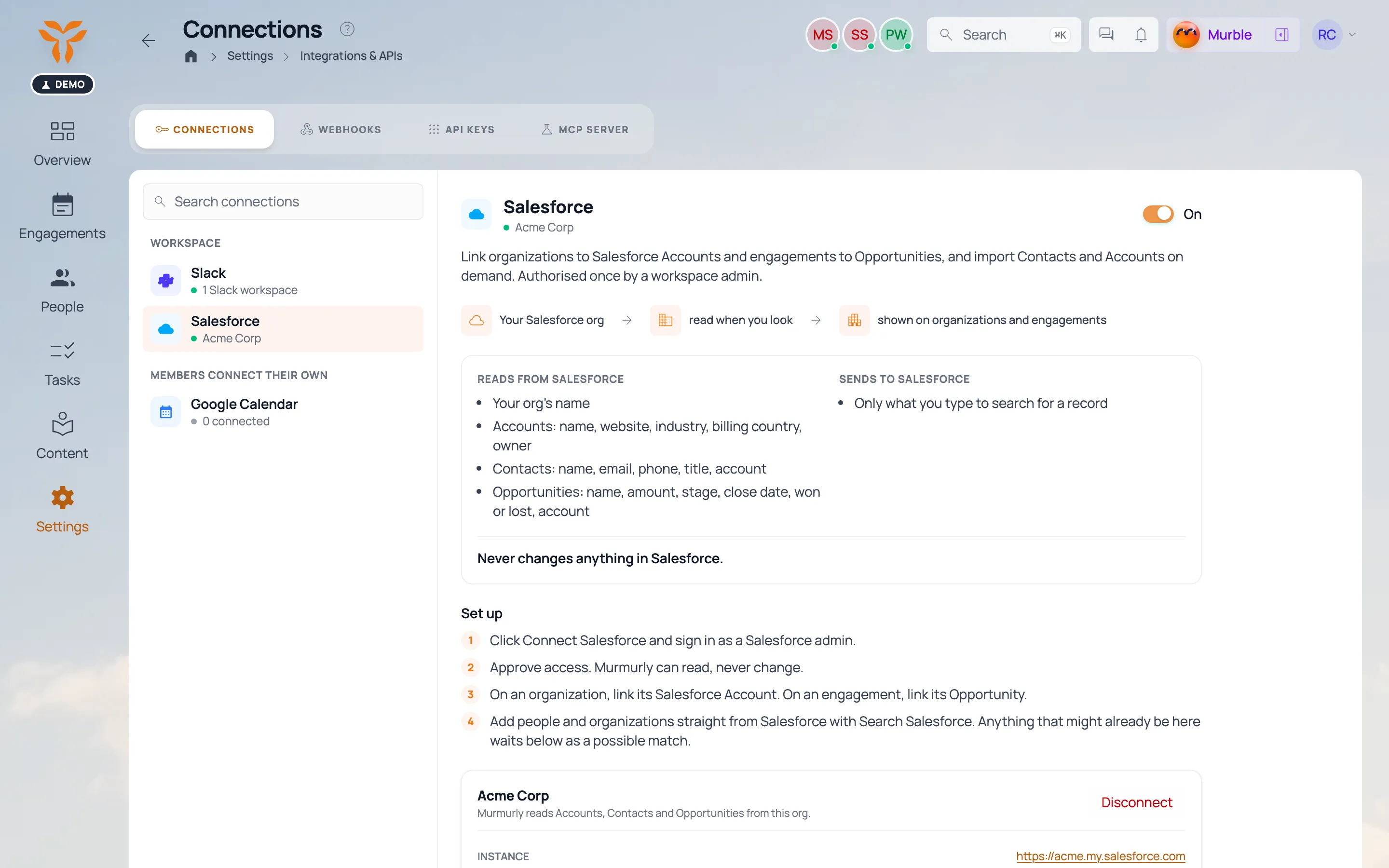
Connections settings: Slack, Salesforce and Google Calendar connected. Connections settings: Slack, Salesforce and Google Calendar connected.
Click for more
04

Connect it

Connections · API · MCP

Murmurly doesn't want to be another island. Your calendar and CRM stay in sync, your developers get a proper API, and your own AI agents can work with us directly.

Connections

Salesforce in sync, and Google Calendar for availability: free or busy, never the whole agenda.

API

Scoped API keys for your own tools and integrations. Four scopes, revoke any time.

MCP

Your own AI agents read and act in Murmurly through MCP, under the same permissions as your team.

05

And a flock more

Readiness

One score per engagement: what is done, what is left.

Guest pages & RSVP

A page per engagement, in your brand, with RSVP built in.

Feedback & NPS

Ask afterwards, see what landed, compare over time.

Task templates

Every briefing type starts with its own checklist.

Comments & mentions

Talk where the work is; @ notifies, # links.

Notifications

Only what you follow, by email or in the app.

Locations & venues

Rooms, venue contacts and getting-there notes.

Roles & permissions

Managers, collaborators, members and externals.

That's the toolbox. Want to see what it does for your engagements?

Sid & Chris's barrel sauna — where Murmurly was conceived