Try the API,
right here.
Real calls, real answers, with your own client id.
“Pick a call, press send. I’ll show you exactly what comes back.”
Quick start
About five minutes-
Register an app
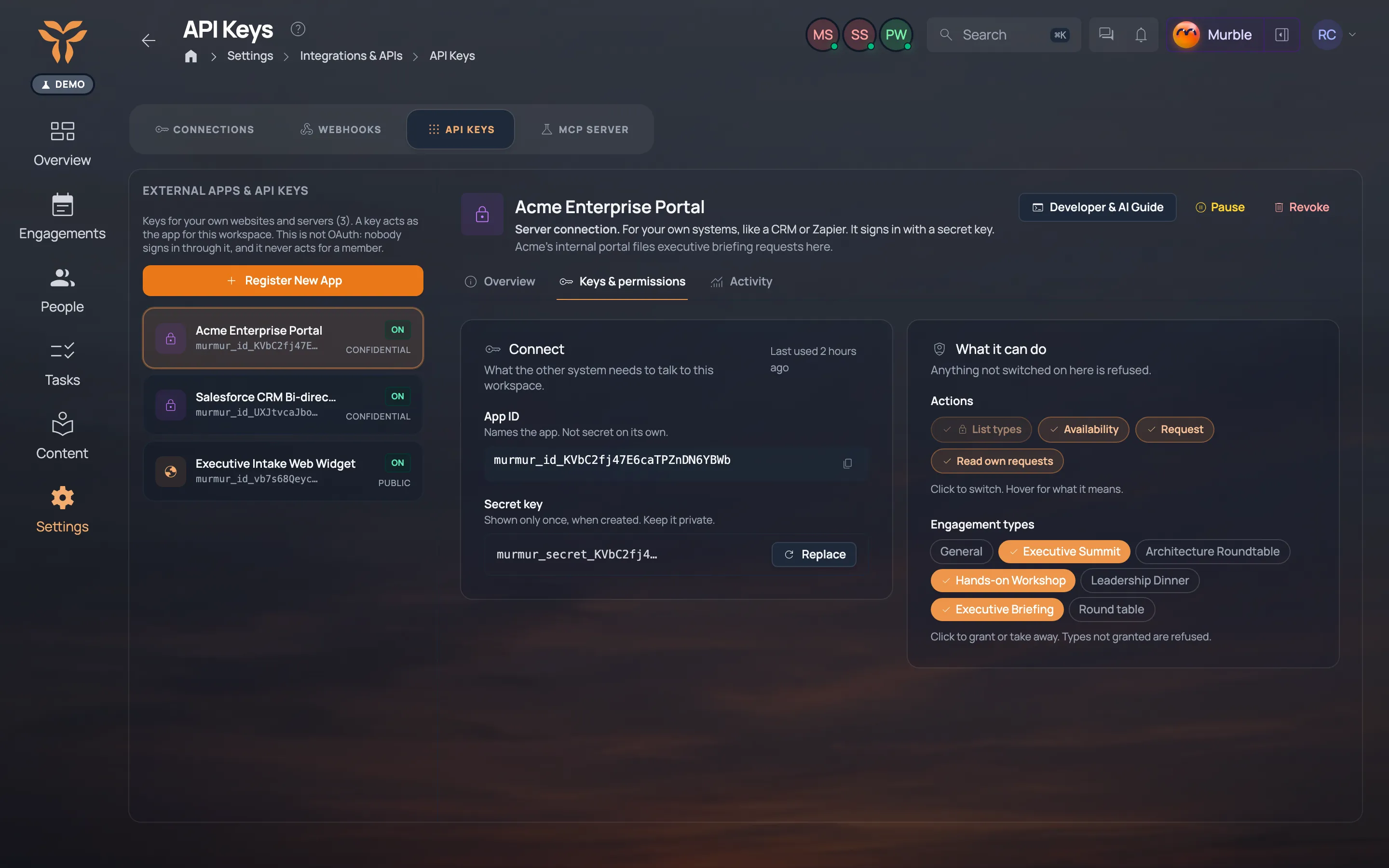
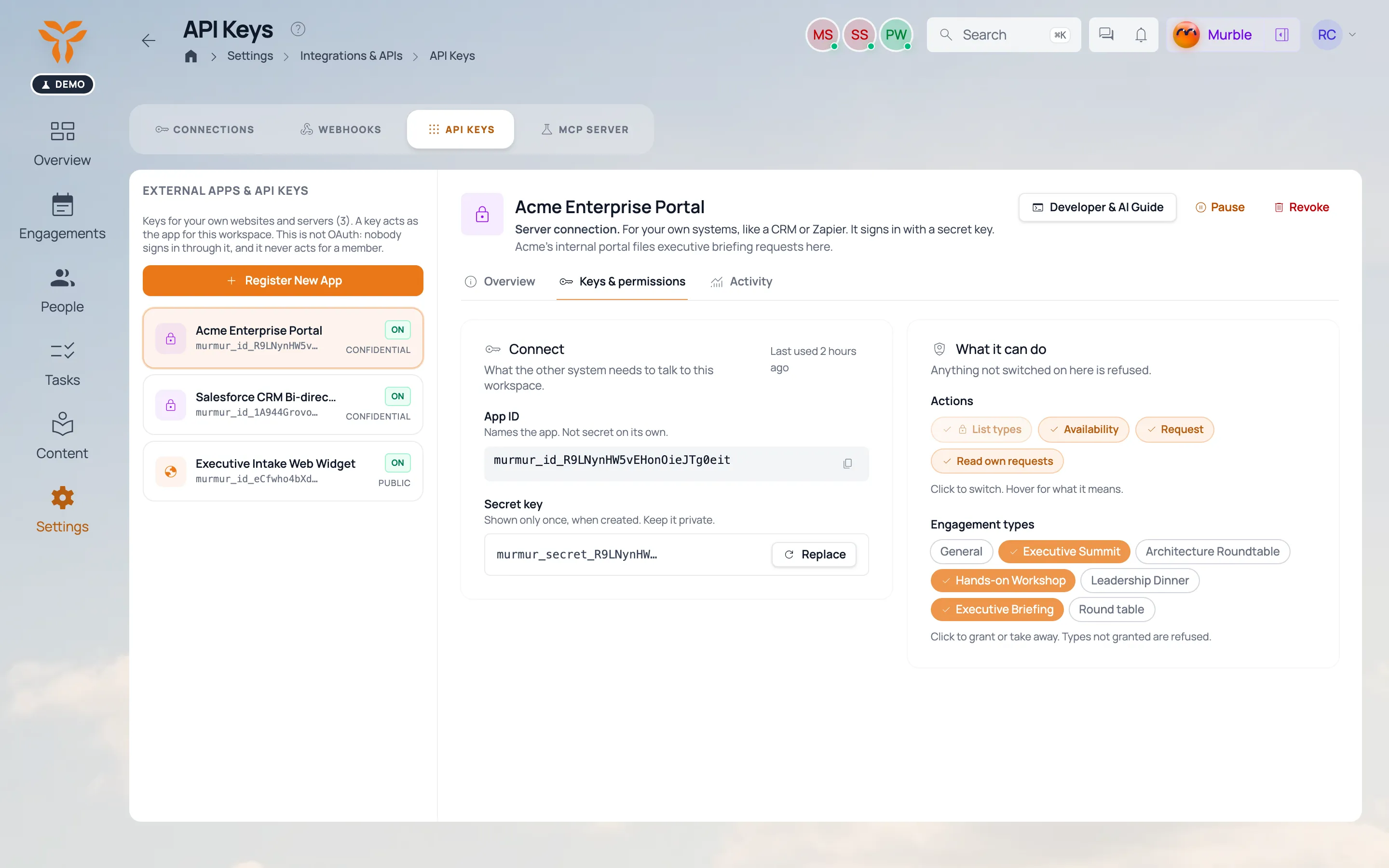
Settings → Integrations & APIs → API Keys → Register New App. Choose public (website) or confidential (server), then tick its actions and engagement types.
-
Install and store the key
npm install @murmurly/sdk
npx @murmurly/sdk init
initchecks the key and writes it to.env.local, out of git. -
Make your first call
const murmurly = createMurmurlyClient({
  apiKey: process.env.MURMURLY_SECRET_KEY,
  baseUrl: process.env.MURMURLY_BASE_URL
})
await murmurly.eventTypes.list()
Playground
In Murmurly: Settings → Integrations & APIs → API Keys → Register New App. Choose public and add murmurly.io to its domains. Show me
curl https://api.murmurly.io/api/v1/event-types \
  -H "x-api-key: murmur_id_…"
{
  "eventTypes": [
    {
      "id": "…",
      "name": "Executive Briefing",
      "shortcode": "EBC",
      "slug": "executive-briefing"
    }
  ]
}Your keys

Settings · Integrations & APIs · API Keys
Register an app and it gets an App ID. A website app needs nothing else. A server app also gets a secret, shown once.
-
murmur_id_…Website or form
Public. Accepted only from the domains on the app. Safe in page source.
-
murmur_secret_…Server or agent
Secret. Lives in your server’s environment, never in a browser, code or a prompt.
Endpoints
https://api.murmurly.io/api/v1- GET
/event-typesList engagement types Public and server - GET
/event-types/schemaRead its request form Public and server - GET
/event-types/availabilityCheck open days Public and server - POST
/engagements/requestSend a request Public and server - GET
/engagements/requestsYour requests Server only - GET
/agent-guideGuide for your agent Public and server - GET
/types.d.tsTypeScript types Public and server - GET
/llms.txtThe API, for models No key needed
Limits and errors
Per app · 429 comes with Retry-AfterReady to build? The SDK does keys, retries and types for you.